When you work events, every second counts. That is why Snap360 includes SnapAction, a feature that lets you use an external remote or shutter to start recording from a distance, without having to reach for the screen every time.
It is made for anyone who wants a faster workflow with their photo booth app or 360 photo booth software, especially at events that move fast.
🤔 What Is SnapAction?
SnapAction is a setting inside Settings that lets you assign a key or an external shutter to trigger quick actions inside your workflow.
It is not only for starting a recording. You can also use it on the preview screen, which makes steps like recording again faster and speeds up the whole process.
✅ Why Use an External Remote?
Using SnapAction inside Snap360 helps you:
- Trigger actions instantly.
- Touch the screen far less.
- Move faster between recording, reviewing and recording again.
- Keep your operation consistent at live events.
- Give your client a better experience.
In short, you work more smoothly and with less friction.
📲 How to Set Up SnapAction in Snap360
You set it up outside the recording screen. Just follow this path:
- Pair the remote through the Bluetooth settings on your iOS or Android device.
- Open Snap360.
- Once you are inside the 360 photo booth app, go to "Settings".
- Scroll down until you find "SnapAction Key Assignment".
- Tap it and a window opens with a prompt such as: "Press any key on your external shutter or keyboard".
- As soon as you do, the key is assigned automatically and the feature is ready to use.
- Go to the recording screen and use SnapAction to start instantly.
- When the recording ends, use SnapAction again on the preview screen to keep the flow going, for example to record again.
- Repeat the cycle faster and with fewer interruptions.
🤝🏼 a Practical Tool for Live Events
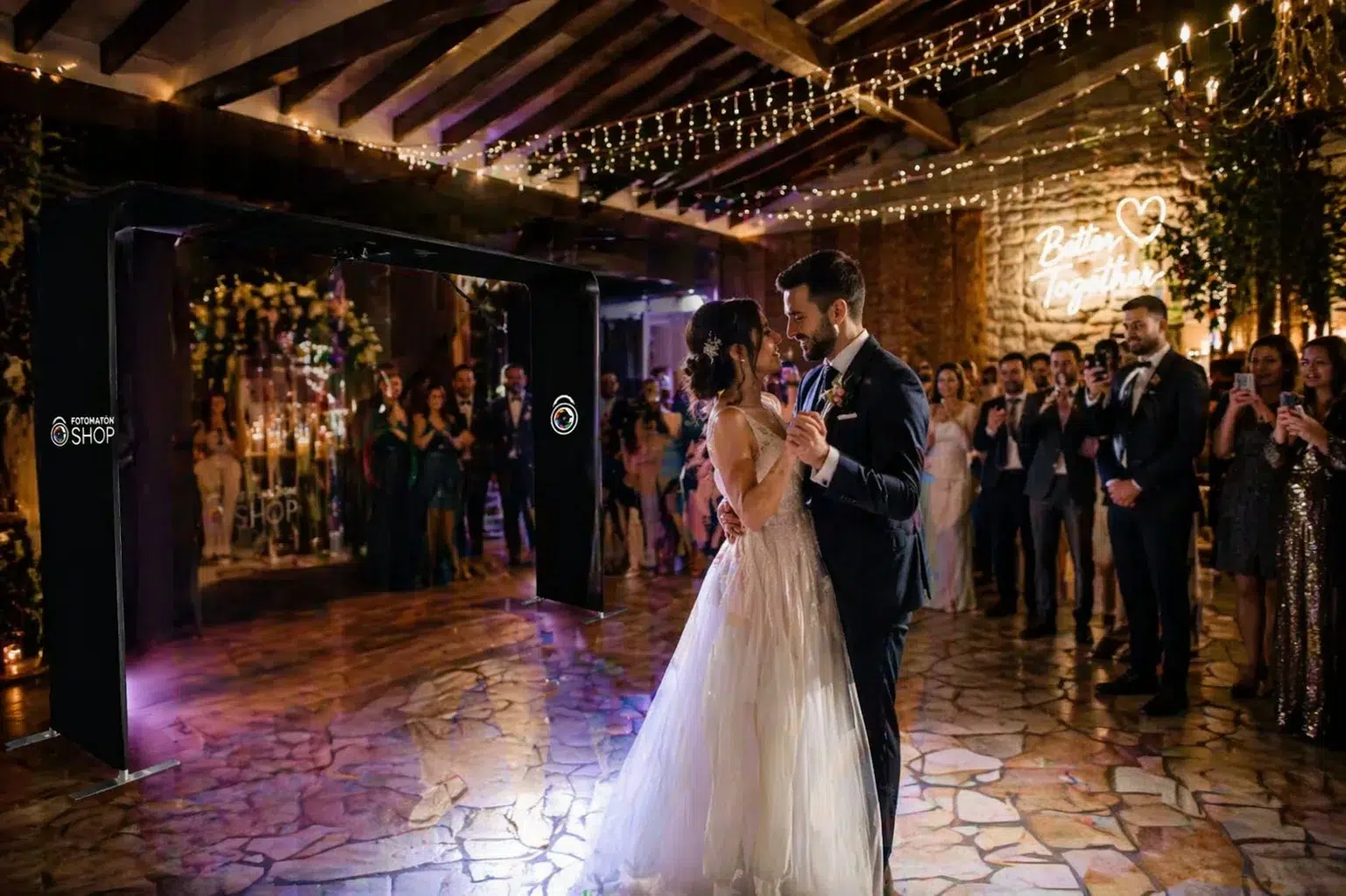
SnapAction is built to cut mistakes, avoid delays and help you catch the moments that matter while you work. If you run a 360 photo booth app at weddings, parties, brand activations or corporate events, this feature makes your workflow look a lot more professional.
SnapAction is available on every plan, and Snappers on the Free plan can try it too.