In today's event business, efficiency is not just an advantage, it is the base of your profit. If you run a booth, you know the pressure of working a never ending line of excited guests while you try to get the technology to respond exactly when it should. The challenge has always been the same: how do you deliver a smooth, professional experience without needing three people behind the booth?
The answer comes from what mobile sensors can do now. Snap360, the 360 photo booth app for iOS and Android with motion detection and automatic recording, has turned the smartphone into a smart assistant. It is no longer only about capturing a video, it is about automating the workflow so that you, as the owner of the business, can focus on client satisfaction and on growing your brand.
The Challenge of Running a 360 Booth on Your Own
Until recently, running a 360 booth was a heavy logistics job. Anyone working solo faced the same dilemma over and over: hype up the guests so they strike a fun pose, or stay glued to the screen to hit the start button at the exact right second.
That split attention creates real bottlenecks. If the operator gets distracted, the recording starts late. If the guest is not ready, you waste render time and the line keeps growing. On top of that, paying an assistant just to press a button can eat a serious chunk of your margin at every event.
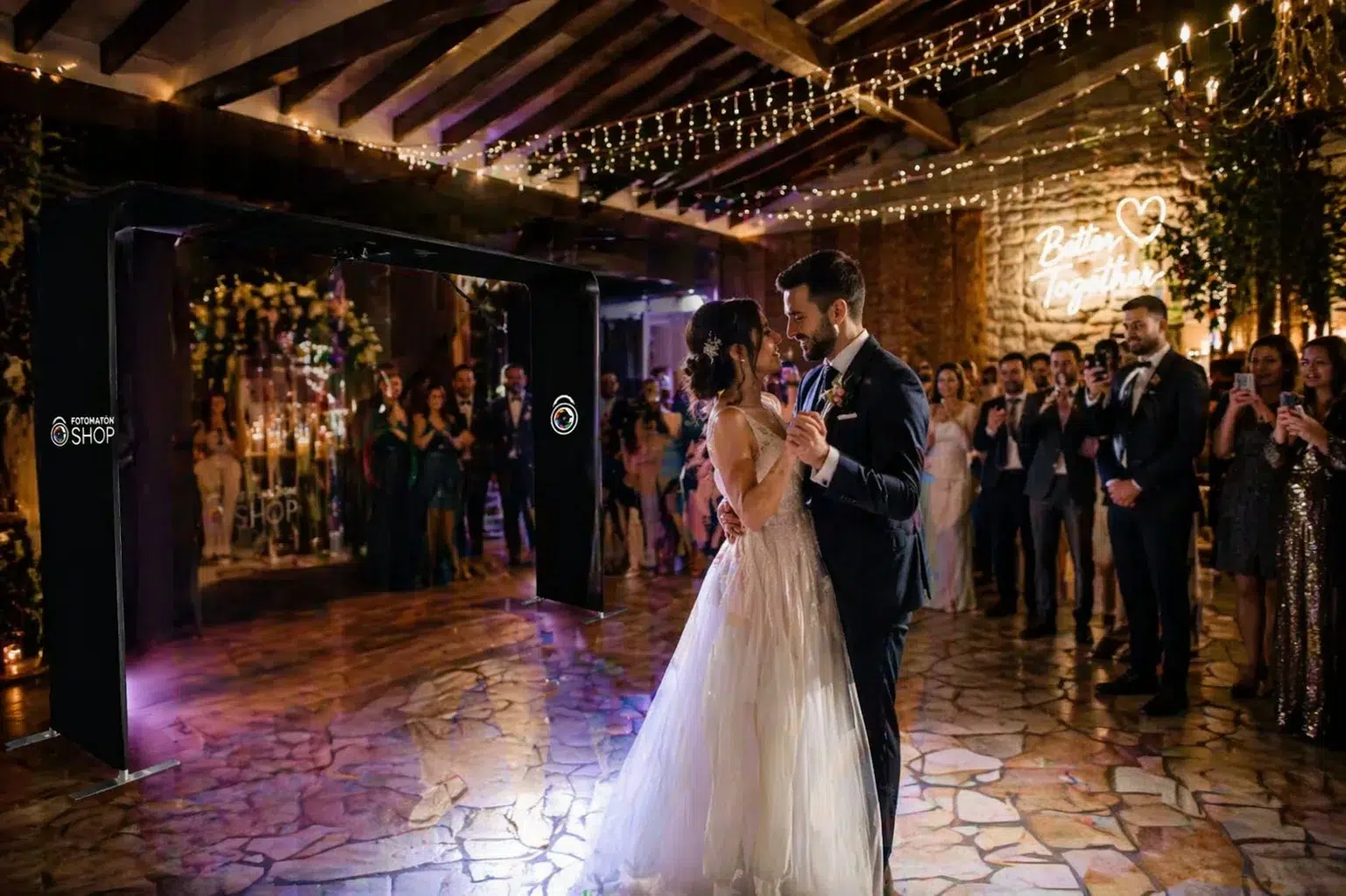
Following the lead of names like Fotomatonshop, success in event equipment rental comes from offering tools that look great and are extremely easy to operate. In a market where professionalism is what sets you apart, the companies that do not adopt hands free technology will fall behind the ones that can run several stations with minimal staff. Motion detection is not an elegant extra, it is the definitive technical answer to scaling and profit in the event business.
What Is Motion Detection and Why Does It Matter?
Unlike the old systems that relied on Bluetooth remotes (which tend to drop the connection in crowded, signal heavy rooms) or on physical cables that limit how you move, Snap360 takes advantage of the advanced sensors already in the phone you own.
The science of inertial sensors: Your smartphone, iPhone or a modern Android, carries two key components: the accelerometer and the gyroscope. These sensors measure the acceleration and the angular velocity of the device thousands of times per second for things like screen rotation or image stabilization.
When the arm of your 360 booth starts to spin, the phone goes through centripetal force and a change of position. Snap360, as a 360 photo booth app for iOS and Android, detects that movement to start recording on its own and reads this gravity and velocity data in real time. Instead of waiting for a human to press a button, the software physically feels that the spin has started and fires the camera instantly.
Why Does It Matter for Your Profit?
Consistent precision: Recording always starts at the exact point where the arm speed is right, so the slow motion effect is perfect from the very first second.
No more connection failures: No more stress about the remote running out of battery or unpairing at the worst moment of the party.
Perceived value: Guests see technology that feels like magic because it reacts to them, and that lifts your service above the competition.
How Auto Recording Works in Snap360
Snap360 is built so all the technical complexity stays behind the scenes. For you, the process is as simple as flipping a switch in the settings. But to make the system foolproof, we added a deep layer of customization.
How the Algorithm Flows
Active listening (gyroscope): When you turn on automatic mode, the app starts monitoring the motion sensors continuously. The software uses the gyroscope of the device to constantly read the X, Y and Z axes, catching any change of orientation or displacement, however slight.
Motion detection: Unlike a sound sensor, the system focuses only on the mechanical response. The algorithm ignores residual readings and waits for the gyroscope to register movement above the sensitivity threshold you set. Once the physical displacement of the phone is detected, the trigger fires.
The trigger: The moment the arm movement passes the configured limit, the app instantly starts recording video.
Recording and set duration: During the capture, the app keeps recording regardless of the movement. Even if the arm stops or the spin ends earlier than expected, the capture does not stop until the video length you set in the settings is met in full.
Finishing and automatic post production: Once the full recording time is up, the app stops the camera on its own. Right after that, the software starts the complete editing and rendering process, applying music, effects and overlays by itself.
Use Cases: Where Automation Turns Into Money
Large Events and Festivals
At a festival with thousands of people, the line is your worst enemy. By removing the need for the operator to touch the software on every take, you can cut about 15 seconds off the capture cycle per group. Over a 5 hour event, that adds up to dozens of extra videos processed.
Brand Activations
Brands want speed and professionalism. A booth that runs itself reads as high tech. It also frees the brand staff to capture leads while the booth generates the content. That works especially well with a light setup, like the one we walk through in our guide on how to set up your 360 booth without a GoPro or laptop.
Weddings
At this kind of event, emotions run at full speed and guests need to share them almost instantly. That is why automation is not optional. The faster and smoother the process, the better the experience for the people it is all about: they want flawless content, ready to post and, above all, immediate. On social media, speed is queen.
Pairing Auto Recording with Instant Sharing
Automation is worth nothing if the guest has to wait on the operator to get their video. The perfect Snap360 flow is:
- Motion detection: Recording starts on its own.
- Processing: The video edits itself in seconds.
- QR code: It shows up automatically on a second screen.
This lets the guest scan their video and step aside while you are already lining up the next group. That is the base of our method for sharing 360 videos instantly with QR codes.
Hardware Tips for Flawless Detection
Mounting the smartphone: Use a quality mount. If the phone wobbles in the holder, it will send erratic signals to the sensors.
Airplane mode: Turn on airplane mode and leave only Wi-Fi or data on. An incoming call can interrupt the sensor readings and cancel a recording.
Calibration before you start: Before the event begins, run 5 test spins with the platform empty to dial in the exact sensitivity level your arm needs.
Frequently Asked Questions (FAQ)
Does motion detection work in low light?
Yes, completely. Since it depends on the accelerometer and not on the lens, darkness has no effect at all on how precisely the recording fires.
Does it work the same on Android as on iOS?
Yes. Snap360 is optimized so the sensors on both platforms respond with the same accuracy, although we recommend mid to high range phones for a faster processor response.
Your Business on Autopilot
Automation has stopped being an option and become a necessity. By handing the job of starting the recording over to the Snap360 sensors, you free up your time to sell more and run your events better.
The efficiency of your next event starts with a single spin.
Want to tune your business even further? Read our guide on how to set up your branding with AI or go through our tips for getting the most out of your margins.