Use Cases

iPad Photo Booth App for Events

Set up the photo booth on the iPad you already take to events: countdown, the event template over the photo and the print in the hand of your guest before they are back at the table. With the same account you use for your 360 videos.

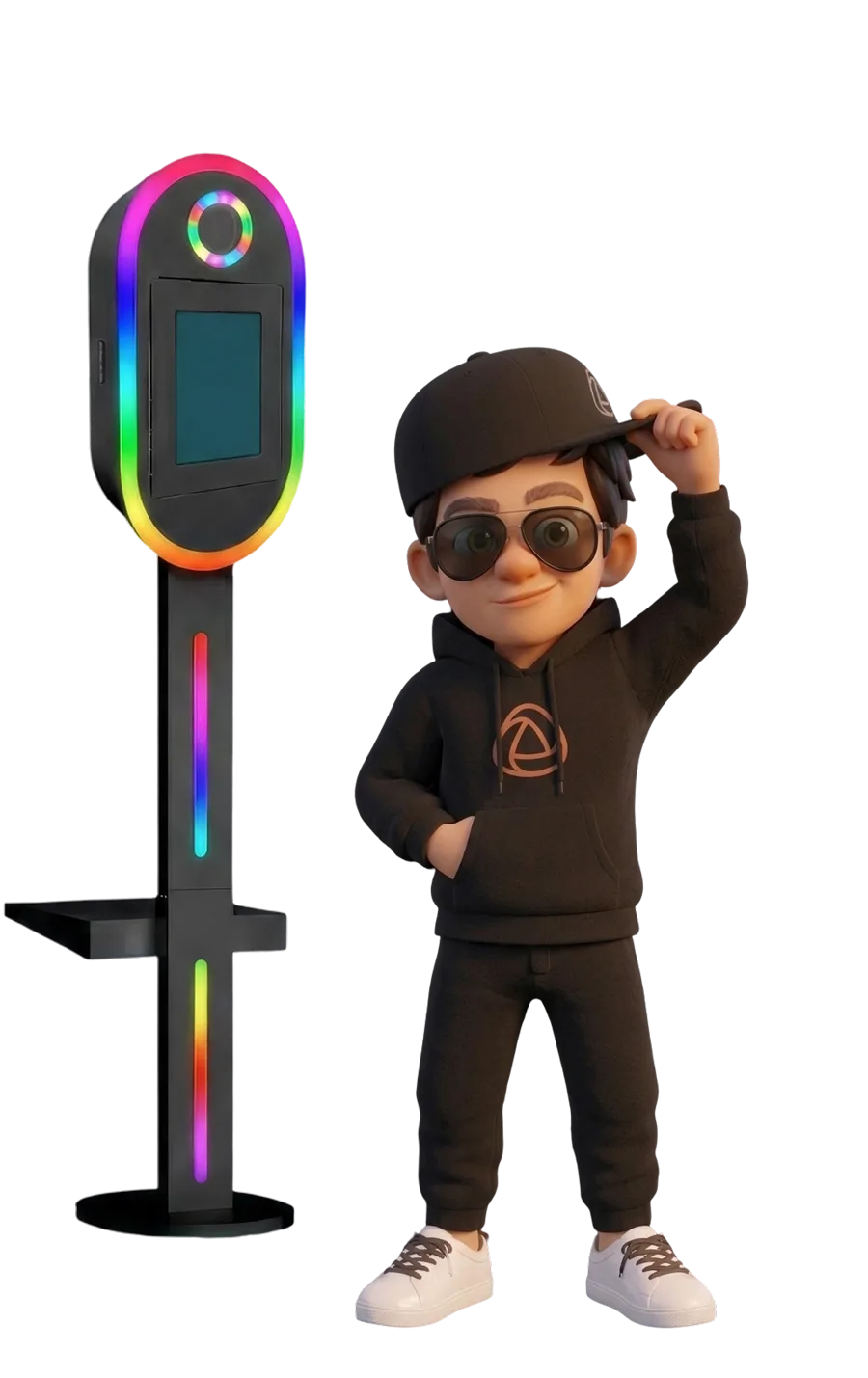
Snappy next to a MiniTablix photo booth with the Snap360 photo app on the iPad
2x6 StripOr a single print and square, with your template
12 Months of GalleryWe keep your events for a year
50 Overlays to ChooseAcross different themes
∞ PossibilitiesAI to build your overlays and music
What Changes at the Event

The Photo Booth of Always, on an iPad

The lightest setup in this market: where you already put an iPad to record, now you hand out prints too.

One Kit, Photo and Video

The same iPad does the 360 video and the photo booth with DIAMOND PRO. One less thing to load into the van.

Set Up in Minutes

Totem, mirror or tripod: it goes up with what you already carry and it fits in the car.

Customisation
to the Limit

You choose the template, the strip or the single print, the filters and the overlays. All so the photo comes out the way your client wants it.

Your Client Brand on It

All of it set up with the colours and the logo of your client, saved once and applied to the whole event.

Features

Everything Snap Does on Your iPad Photo Booth

Template Editor

Photo strip, single print or square, with the logo and the colours of the event on top.

Canon EOS Cameras

Wired to the iPad, with almost the whole range supported. That is where DSLR quality comes from.

Countdown and Screen Flash

A warning on screen and the tablet itself lights the face as it shoots, with no separate flash.

Printing by AirPrint

The print comes out on the spot, with the printer published on the booth network.

AI Overlays

You describe the event overlay and you have it in seconds, with the colours and the name of your client.

Delivery by QR, WhatsApp or SMS

Share it straight away without asking for emails or phone numbers in a rush and with a queue behind.

Snap360Web

Create and run everything from your computer: events, gallery, subscription and devices.

Online Event Gallery

One link for the client with everything from the day, and their events kept for 12 months.

Several Devices at Once

Two with SNAPPHOTO and up to four with DIAMOND PRO, always on the same account.

Examples

These Are the Photos You Can Make

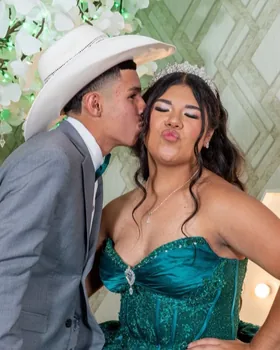
What the guest takes home in their hand, laid out by the app on the iPad itself. You decide how every print looks.

A guest posing against a black sequin backdrop, printed as a single photo
Golden VIP Gala
2026
A two photo strip from a birthday party A two photo strip from a birthday party
Javi's Birthday
26-07-2026
A two photo strip with a frame around it, from a family celebration A two photo strip with a frame around it, from a family celebration
María's Communion
May 2026
  • Your own template. The editor is inside the app: you set the background, you place where each photo goes and how many fit. You save it and reuse it at every event.
  • The event overlay. On top of the photo, with the name of the couple or the brand of your client. And if you do not have one ready, you generate it with AI by describing it.
  • Strip, single print or layout. A single full page photo, the classic strip of several shots or the layout you build yourself. You pick it per event.
  • Printing by AirPrint. The iPad sends the print to the printer with no cables and no computer in between.
  • And the same photo digitally. The guest takes it printed and by QR or link, without you having to ask for their email in a rush.
If You Are Starting Out

What Is an iPad Photo Booth?

It is the most common format in this market: a structure (totem, mirror or tripod) with an iPad in front acting as the screen, the camera and the remote. The guest sees what is coming out, the app counts down, shoots, and on that same screen they choose whether to take it printed or to their phone. It goes up in minutes and it fits in a car, which is what made it the standard.

Thinking about buying an iPad photo booth? We recommend this model.

The iPad Booths It Works with

Any structure that holds an iPad works: the app does not depend on the maker of the booth.

iPad Photo Booth

Totem, column or tripod with the iPad in front. It does photo and 360 video with the same kit.

360 Photo Booth Premium

If you also have a 360 platform, the same iPad covers both with DIAMOND PRO.

Which Plan to Use

SNAPPHOTO or DIAMOND PRO

Plans that fit the volume of work you have. What changes is your storage, the devices you can use, priority support and how many types of photo booth are covered.

Photo Only

SNAPPHOTO Plan

19,99 € a month

For the one delivering photos with no need for 360 video. It works on iPad and on iPhone.

  • ✓Full photo booth, on iPad and iPhone
  • ✓Template editor and photo strip
  • ✓Canon EOS cameras by cable
  • ✓Unlimited events on 2 devices
  • ✓4 GB of storage
  • ✓10 free SnapCoins
  • ·360 platforms and glambot
Download the Free Plan
Photo and Video

DIAMOND PRO Plan

36,99 € a month

For the team covering photo and video, and sometimes two events on the same Saturday.

  • ✓Everything in PRO
  • ✓Including the module for photo booths
  • ✓4 devices recording at once
  • ✓Photo and video from the same event in one gallery
  • ✓15 GB of storage
  • ✓Priority support in your language
Download the Free Plan

The full comparison, with the Free Plan and SNAPPHOTO, is on pricing.

FAQ

Questions About the iPad Photo Booth

Do I Need a Particular iPad?

Any iPad with an up to date iPadOS works. To connect a Canon camera by cable you need the adapter for your iPad model.

Is There a Photo Booth App for iPad?

Yes, the SNAPPHOTO Plan. It turns the iPad you already take to events into a photo booth: countdown, a strip of 2, 3 or 4 shots, the client template on top and the print in the hand of your guest before they are back at the table.

What Types of Photo Booth Are There for a Wedding?

The three you see at any wedding: the photo booth with printing, the 360 video platform and the mirror. Snap360 covers the three from the same account, and what changes between plans is whether you deliver photo, video or both.

Does It Work as a Photo Stand for Weddings?

Yes, and that is its most common use. You mount the iPad on the totem or the tripod, leave the wedding template on and the guests take their strip on their own all night, without you standing there.

Does It Work on Android Tablets?

For photos, no. The photo booth module runs on iPad and on iPhone. 360 video does also run on Android.

Can I Print from the iPad?

Yes, by AirPrint, as long as the printer is published on the booth network. If you would rather wire it directly, the option is the Windows software.

Does the SNAPPHOTO Plan Include 360 Video?

No. SNAPPHOTO is the photo booth only. If you want both, DIAMOND PRO includes photo and video with a single subscription.

Can I Use My Own DSLR?

Yes, and it is what we recommend: with a Canon EOS by cable almost the whole range is supported. If you work with Nikon or Sony, write to us before you subscribe.

How Many Events Can I Cover?

As many as you want. Events are unlimited on every paid plan.

Can I Show the Shots on the TV at the Event?

Yes, from Android. You mirror the phone screen on the TV, over wifi with Google Home or with an HDMI cable, and then you press «Present to TV» inside the app: your guests watch the photos as they land.

Try It at Your Next Event

Download it free and set it up on the iPad you already carry. No card, no time limit and no lock in.

Download Free See Plans