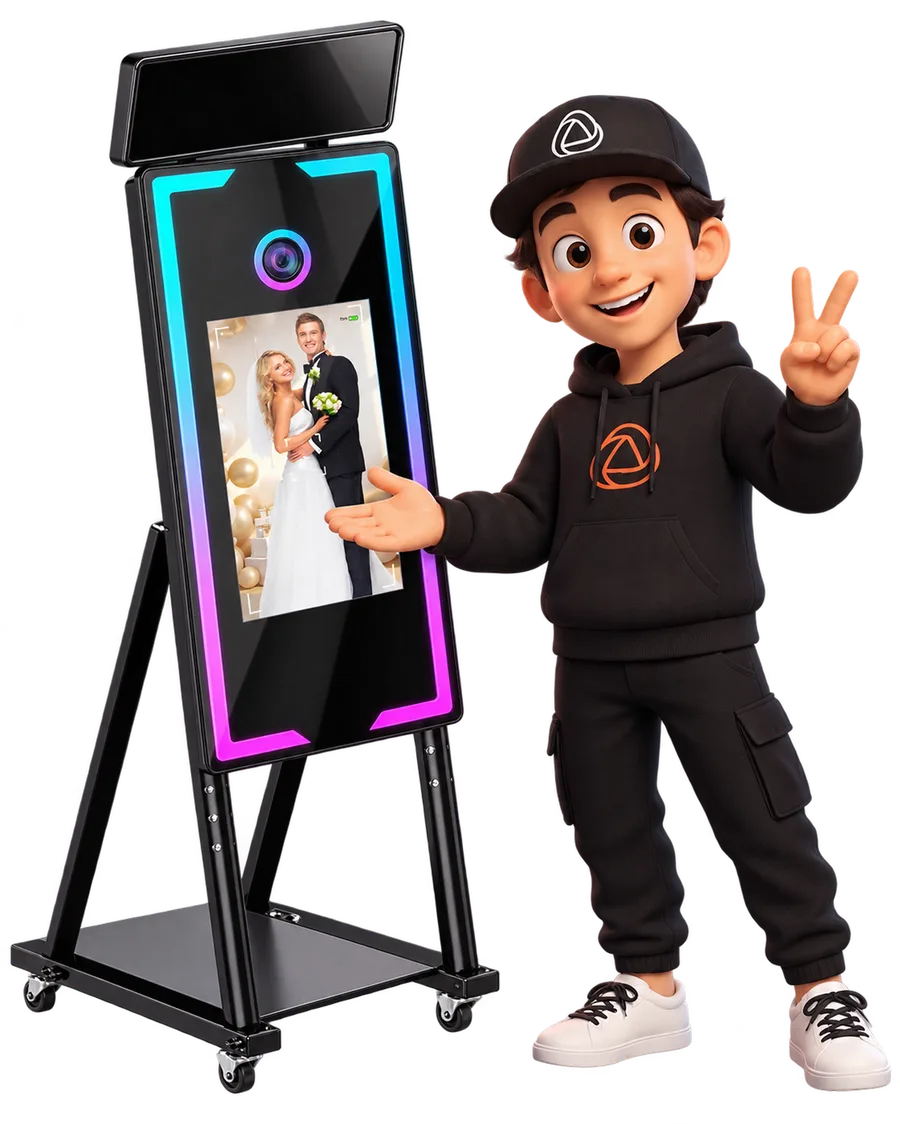
Your mirror has a Windows computer inside: install SNAPPHOTO there and it becomes a full photo booth. Camera by cable, the event template on top and the print out in seconds, on top of the gear you already have.
2 Machines per LicenceWithout paying two subscriptions
7 LanguagesThe software, translated
12 Months of GalleryWe keep your events for a year
What Changes at the Event
A Full Booth on the PC You Already Have
You do not swap a mirror for an app. What you swap is the software running inside it, and that is what shows in the queue and in the printing.
Printing in Seconds
The thermal printer is wired to the PC and receives the design already laid out. No print queue, no print dialog and no third party software in between.
A Real Touch Screen
The experience is built for the big screen of the mirror, it is not a phone app stretched out vertically.
Customisation to the Limit
You choose the template, the strip or the single print, the filters and the screens the guest sees. All so it comes out the way your client wants it.
Your Client Brand on It
All of it set up with the colours and the logo of your client, saved once and applied to the whole event.
Features
Everything Snap Does in Your Mirror Booth
Touch Screen
The experience is built for a big screen, with a countdown and a flash from the screen itself.
Canon Camera by Cable
It shoots, picks up the photo at full resolution and sends it to print without going through other software.
Direct Printing
The thermal printer wired to the PC, with the design already laid out: no queue and no print dialog.
Template Editor
Photo strip, single print or square, with the logo and the colours of the event on top.
AI Overlays
You describe the event overlay and you have it in seconds, with the colours and the name of your client.
Delivery by QR and Gallery
Share it straight away without asking for emails or phone numbers in a rush and with a queue behind.
Snap360Web
Create and run everything from your computer: events, gallery, subscription and devices.
A Whole Event with No Internet
A venue with no coverage does not stop the event: what you capture uploads when the connection is back.
Two Machines per Licence
The mirror and the spare laptop, or two booths, on the same licence.
Examples
These Are the Photos You Can Make
What the guest takes home in their hand, laid out by the software and ready for the printer. You decide how every print looks.
Golden VIP Gala★
2026
Javi's Birthday★
26-07-2026
María's Communion★
May 2026
Your own template. The editor is inside the software: you set the background, you place where each photo goes and how many fit. You save it and reuse it at every event.
The event overlay. On top of the photo, with the name of the couple or the brand of your client. You prepare it once and it goes on every print of the night.
Strip, single print or layout. A single full page photo, the classic strip of several shots or the layout you build yourself. You pick it per event.
The sizes of your printer. The 10 x 15 cm print and the 15 x 5 cm strip, which comes from cutting that same print in half. Sizes are set in inches, centimetres or millimetres, whichever suits you.
The countdown, your way. You set the seconds the guest has to get ready, from 3 to 10. The camera focuses on its own right before it shoots.
If You Are Starting Out
What Is a Mirror Photo Booth?
A mirror photo booth, or magic mirror, is a full length mirror with a touch screen behind it: the guest sees themselves while they pose and the screen itself guides them. Unlike a closed photo booth it is an open experience and you touch it, so it takes retouching on top of the photo before printing. Almost all of them have a Windows computer inside, and that is where the software goes.
Thinking about buying a mirror photo booth? We recommend this model.
The Windows Booths It Works with
If your booth has a Windows computer inside, the software installs there like any other.
Mirror Photo Booth
A full length mirror with a touch screen and its computer inside. The format wedding clients ask for the most.
Photo Booth with a PC
A totem or column with the computer built in, a DSLR and a thermal printer by cable.
Which Plan to Use
Yearly or Monthly
SNAPPHOTO for Windows is a software licence, not an app plan. Both come with the same.
The full comparison, with the Free Plan and SNAPPHOTO, is on pricing.
FAQ
Questions About the Mirror Booth
Does It Work with Any Mirror?
If your booth has a Windows computer, yes: the software installs there like any other. It does not depend on the maker of the mirror or on the structure.
Is There Photo Booth Software for Windows?
Yes: SNAPPHOTO for Windows. It installs on the PC your mirror or your totem already has inside and turns it into a full photo booth, with the Canon camera by cable, the event template on top and the print out in seconds.
Does the Booth Software Work Without Internet?
Yes. The booth shoots, lays out and prints offline, because the whole process happens on the PC itself. When the network is back, the photos upload to the event gallery on their own.
What Types of Photo Booth Can I Build?
Magic mirror, totem, closed booth or a tripod with an iPad: the software is the same and what changes is the furniture. What decides which plan you need is not the shape of the booth, it is whether you deliver photo, video or both.
Which Cameras and Printers Are Supported?
Canon EOS cameras by cable, with almost the whole range supported, and DNP thermal printers, which are the ones this market uses. You have it in compatible gear.
Is It the Same as the SNAPPHOTO Plan in the App?
No. The SNAPPHOTO Plan is the subscription for the photo booth on iPad and on iPhone. SNAPPHOTO for Windows is the desktop software, with its own licence. They share the account and the gallery, and they are paid separately.
When Can I Download It?
SNAPPHOTO for Windows is coming very soon. Join the official launch list and we tell you on day one, before anyone.
And if I Do Not Renew?
The software does not switch off: you keep opening your events and your templates. What stays out is the cloud and the features that come with the active licence.
Does It Also Do 360 Video?
The Windows software is for photo. 360 video runs on the phone or the iPad app, and you have it in 360 photo booth. Both feed the same event and the same gallery.
What Is a Mirror Photo Booth?
A full length mirror with a camera and a screen behind it: the guest sees their reflection, takes the photo by touching the glass and walks away with the print. Inside it has a Windows computer, and that is where SNAPPHOTO for Windows goes, driving the camera, the template and the printer.
Can I Show the Shots on the TV at the Event?
Yes, from Android. You mirror the phone screen on the TV, over wifi with Google Home or with an HDMI cable, and then you press «Present to TV» inside the app: your guests watch the photos as they land.
Try It at Your Next Event
Join the list and we tell you on the day of the official launch, before anyone.