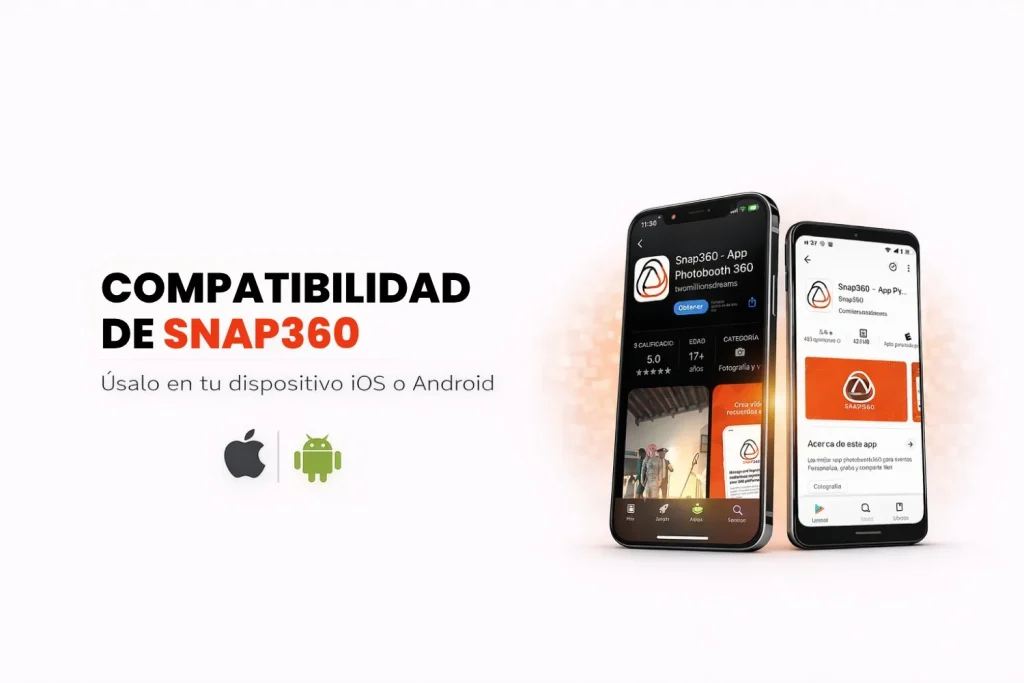
Wondering whether you can run Snap360, the best 360 video app, on your phone? The answer is yes. It is built to run smoothly on both iOS and Android, so you can record and share 360 videos anywhere, anytime.
In this article you will find the minimum requirements and the compatibility options that let you get the most out of the app.

Snap360 Compatibility Requirements
The photo booth app is tuned to run well on mobile devices. Here are the basics you need to unlock every feature:
Supported Operating Systems
- Android: version 7.0 or later.
- iOS and iPadOS: 15.6 or later.
Important: the 360 video app does not record from a computer. It runs on phones and tablets, using their own camera or a connected GoPro.
Works with GoPro Cameras
Snap360 works with GoPro cameras: the app controls the camera, starts and stops the recording and pulls the video in so you can edit and deliver it without leaving Snap360. It connects over Wi-Fi or USB and is included in the PRO and DIAMOND PRO plans. You will find the compatible models and the step by step in the guide to connecting a GoPro to Snap360.
What Snap360 Compatibility Gets You
- Work Anywhere: set the booth up wherever the event is and record straight from the app, with the phone camera or with a GoPro.
- Constant Updates: Snap360 is built to keep pace with the latest Android and iOS releases, so you get security patches and new features.
- Intuitive Interface: the app fits touchscreens perfectly, for a smooth experience with no fuss.
Snap360 compatibility with the major mobile operating systems means you can record and share 360 videos with no restrictions. If your device runs Android 7 or iOS 15.6 (or later), you are ready to start capturing moments with this app.
What are you waiting for? Download Snap360 today and see how it turns events into memories people keep. 🎉