Skip to content
360 Video Booth Software for Android

360 Photo Booth App for Android

Run 360 photo booth events from an Android phone or tablet. Snap360 handles the capture, the slow motion effects, the branding and the delivery, and keeps recording when the venue has no signal.

Start on the permanent Free Plan: no payment card and no time limit. Pay only when you have events to deliver. Also available for iPhone.

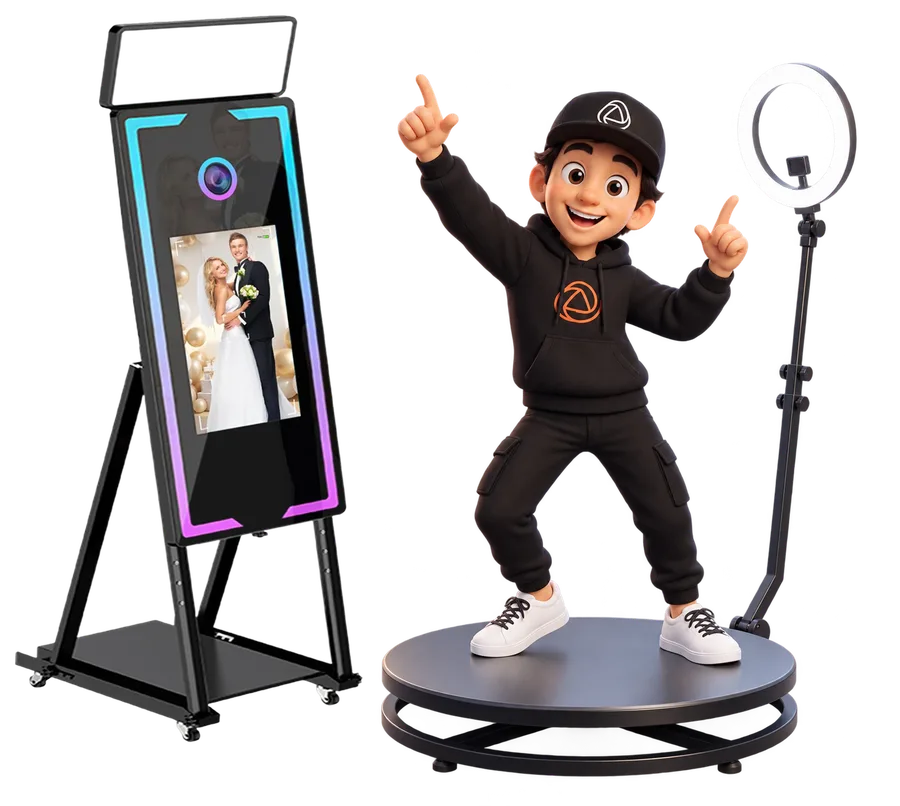
Snappy presenting the Snap360 360 photo booth app on Android

Android Photo Booth App: What Snap360 Does

Snap360 is the 360 photo booth app that puts the whole booth workflow on the Android device you already own.

The software controls the capture, not the motor, so it sits on top of the 360 platform you already own. Fix the phone on the arm, open the event and start spinning. Recording works offline during the event, and the gallery syncs when the connection comes back, so a weak venue network never stops the queue.

Unlimited events on every plan. Prepare the client's template the week before, reuse it at the next booking and keep a consistent service across your season.

How to Set Up Snap360 on Android

From Google Play to the first guest clip in three steps.

1. Install from Google Play

Download Snap360 from Google Play on a device running Android 7 or later and create your account. When Android requests camera, microphone and storage permissions, allow them: the app records to local storage first and uploads later.

Get Snap360 on Google Play

2. Choose Your Camera

Record with the device's own camera mounted on the platform, or pair a supported GoPro inside the app. For wired accessories, most current Android phones expose a USB-C port; older devices may need an OTG adapter. Check your manufacturer's documentation for what your port supports.

3. Run a Test Spin

Create the event, load the overlay and the music, and record one spin with a colleague. Confirm the slow motion looks right on your specific phone, since Android devices differ in camera hardware, then hand the booth to your operator.

Camera and Accessory Compatibility on Android

Android is a wide ecosystem. Here is what Snap360 supports and what to verify yourself.

Device Camera

The built in camera is the default setup. Quality depends on the phone or tablet you choose, so test the slow motion on your own device before a paid event.

GoPro 7, 8 and 9

Snap360 supports GoPro HERO7, HERO8 and HERO9 as an external camera. Other camera brands and GoPro generations are not on the supported list.

USB-C and OTG

Wired accessories connect through the device's USB-C port or, on older phones, an OTG adapter. The app does not need any adapter to record; this only matters for power, audio or external storage.

Manufacturer Variability

Camera APIs, frame rates and USB behaviour vary between Android brands and even between models of the same brand. We cannot promise identical results on every device, which is why the Free Plan exists: install, test, then decide.

Remote Recording

Remote recording is documented for iPhone compatible controllers. If you want a remote trigger on Android, test your controller on the Free Plan before relying on it at an event.

System Requirements for Android

Snap360 requires Android 7 or later. For the best recording and processing, check that you run the latest Android version your manufacturer offers for your device, and keep free storage for a full day of clips. Cloud uploads need Wi-Fi or mobile data; recording does not.

We do not publish a list of recommended phones or tablets, because performance depends on the chipset, the camera module and the Android build. Run a test event on the Free Plan and judge the result on your own hardware.

AI Frames, Overlays and Custom Branding

Each client's identity on every clip, without opening an editor.

Place a logo, the event name or a sponsor message as an overlay and save it to the client's template. DIAMOND PRO adds animated GIF overlays for activations that need motion on screen.

AI generated frames and overlays are paid with SnapCoins: 3 come with the Free Plan and 10 with every subscription. Generate, preview on the Android device and store the design before the event day. The full list of effects lives on the features page.

Custom Music, Intro and Outro

Pick the song behind the slow motion or let AI music compose one for the event, also paid with SnapCoins. Add an intro and an outro so every clip starts with the client's brand and ends with a hashtag, a QR code or a call to action. Guests get a finished video, straight from the Android device.

Cloud Gallery: Every Event from Anywhere

Share at the booth, review from the office.

PRO: 4 GB of Cloud

Clips upload to the event gallery when a connection is available. Guests receive their video by QR code, link, WhatsApp or SMS.

DIAMOND PRO: 15 GB of Cloud

Enough for a full season. Events stay accessible for 12 months on paid plans and for 30 days on the Free Plan.

TV Sync and Multi Device

Two or Four Devices at Once

PRO allows 2 devices on the same account at the same time; DIAMOND PRO allows 4. Mix an Android phone on the platform with a tablet as the sharing station, or split your team across two venues.

TV Sync on DIAMOND PRO

Play the latest clips on a screen beside the booth so the waiting line sees the result. TV sync is included with DIAMOND PRO.

Snap360 Pricing for Android Snappers

Free to learn, paid to deliver.

Free Plan

Permanent, with no payment card and no time limit. Learn the app, build templates and test on your own device with 30 days of event access.

Start Free

PRO

360 video, 2 devices at once and 4 GB of cloud. US web pricing is $31.99 per month or $299.99 per year, tax excluded and added at checkout.

See the Video Plan

DIAMOND PRO

Photo and video, 4 devices, 15 GB of cloud, TV sync and animated GIF overlays. US web pricing is $46.99 per month or $449.99 per year, tax excluded.

See Photo and Video

Want to compare before you commit? Read our guide to the 360 photo booth software subscription options or see full pricing.

24/7 Human Support

Your events run at night and on weekends, and so does our support. Snap360 offers 24/7 human support before and during the event, from the first Android setup to a delivery question mid party. Contact the team whenever you need help.

Frequently Asked Questions

Is Snap360 Free on Android?

Yes. Snap360 has a permanent Free Plan on Android with no payment card and no time limit. It includes unlimited events, 30 days of event access and 3 SnapCoins for AI features, so you can test the full workflow before choosing PRO or DIAMOND PRO.

What Android Devices Are Compatible with Snap360?

Any phone or tablet running Android 7 or later. Because camera hardware varies by manufacturer, we do not publish a list of recommended models: check that you run the latest Android version available for your device and test an event on the Free Plan.

Can I Connect a 360 Camera to My Android Phone?

Snap360 records with the device camera or with a supported GoPro HERO7, HERO8 or HERO9. Wired accessories use the USB-C port or an OTG adapter on older phones; the app itself needs no adapter to record.

Does Snap360 Work Offline on Android During an Event?

Yes. Recording works offline during the event. Uploads to the cloud gallery and sharing by QR, link, WhatsApp or SMS resume when the device reconnects.

How Do I Download Snap360 from Google Play?

Open the Snap360 listing on Google Play, tap Install and sign in with your account. The Free Plan is active from the first launch.

Start Your Android 360 Photo Booth Business Today

Install the app, prepare your first template and test a spin on your own platform. Upgrade when the bookings come in.