The 360 Photo Booth Event Day Checklist: Before, During and After
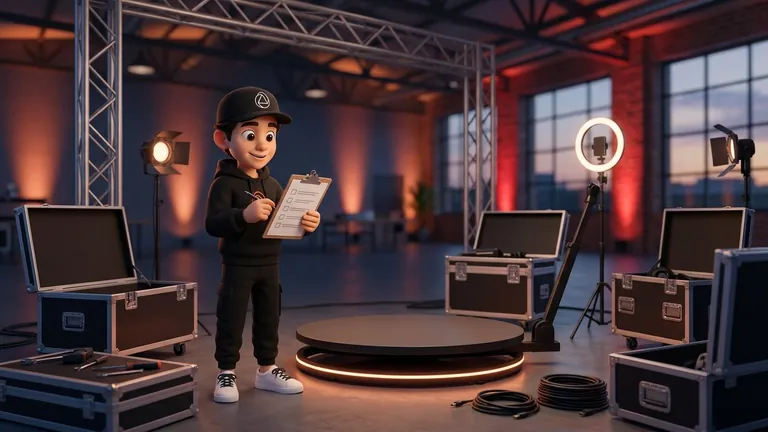
A 360 photo booth event day comes down to three stretches: arrive with room to set up and test (industry guides talk about one to two hours before guests), keep an eye on the gear without getting in the way while the service runs, and pack up leaving everything ready for the next event. Most problems are avoided in the pre-opening test, not during the party.
There is no official standard for timings, so this guide does not invent exact minutes. It draws on two public guides for photo booth operators, the Touchpix pre-event checklist and the Foto Master event planning guide, plus practical criteria you can adjust to your own gear. Both come from photo booth software companies and cover photo booths in general, not only 360, so we adapt what applies.
At a Glance
- Arrival: Foto Master recommends arriving 1 to 2 hours before guests.
- Tests: both Touchpix and Foto Master suggest 3 to 5 full test sessions before opening.
- Connection: bring your own mobile hotspot, do not rely only on venue Wi-Fi.
- During the event: be available but unobtrusive, watching battery, storage and uploads.
- Afterwards: pack up, confirm nothing is left unsynced and inspect the gear.
Before You Leave: The Day Before and the Morning
Whatever is not charged, updated or tested at home becomes a problem at the venue. These are the checks Touchpix recommends in its pre-event checklist, applied to a 360 platform:
- Device up to date: update the system, close background apps and keep storage free. Touchpix asks for at least 20 GB free and warns that performance can suffer below 3 to 5 GB. A 360 video is large, so check your space before leaving.
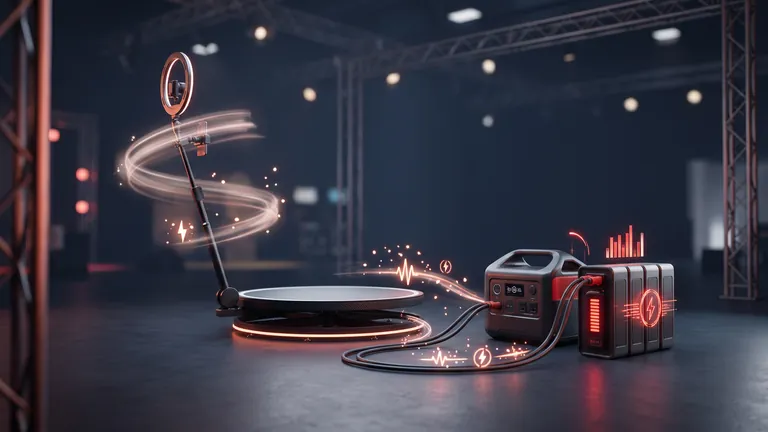
- Power: every device at 100 %, the original cable plus at least one spare, and a power bank or extension strip.
- Event ready: with whatever software you use, create the event with music, frames and text, and test it with real people a few days earlier.
- Event details at hand: address, on-site contact, access time and contracted hours. Touchpix recommends keeping a copy of your event settings and key contacts.
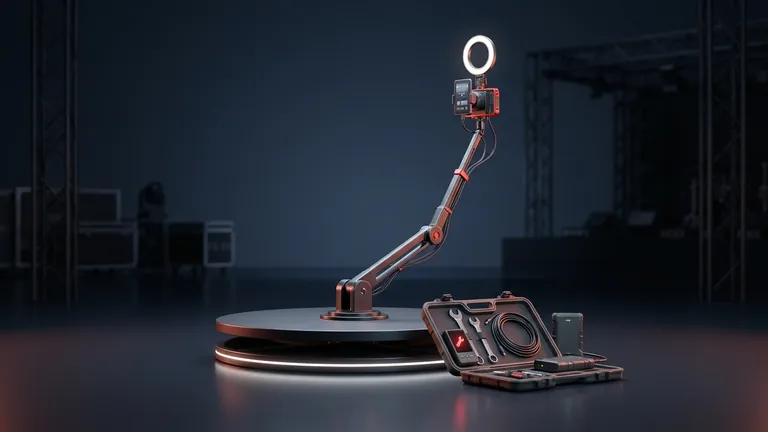
- Spares: cables, chargers and, if you can, a second device already set up.
If you have not yet settled what the service includes and what happens if the event runs over, sort it out beforehand in the rental contract: event day is not the moment to negotiate hours.
A Guideline Timeline for the Day
Neither guide we consulted sets an exact clock. What they agree on is arriving with room to spare, testing several times and doing a last check before opening (Touchpix places it 30 to 60 minutes before guests arrive). This table puts those steps in order; the times are a reference you should adapt to your setup and the access the venue gives you.
| When | What to do | Source or criterion |
|---|---|---|
| 1 to 2 hours before guests | Arrive, assess the area (outlets, light, foot traffic) and set up the platform, camera and lights | Foto Master recommends arriving at least 1 to 2 hours early |
| After setup | Connect to the network and sync the event; run 3 to 5 test sessions and check image, light and frames | Touchpix and Foto Master agree on 3 to 5 tests |
| 30 to 60 minutes before | Final check: connection, lighting, backdrop and camera settings; lock the device so guests stay in the app | Touchpix, day-of checks |
| Opening | Introduce yourself to the on-site contact, brief event staff on how it works and open the line | Foto Master suggests briefing event staff |
| During the service | Watch without getting in the way: battery, storage, platform stability and uploads | Foto Master: be available but unobtrusive |
| At the end | Confirm everything is saved and synced, pack up and inspect the gear | Foto Master mentions cleaning and inspecting for the next event |
For the physical side of the setup, see how to set up a 360 platform at an event.
What to Test Before Opening the Line
A full test session is more than recording one video. Repeat the route a guest will take and check each step:
- Step on and spin: put one or two people on, check that the platform turns smoothly and the camera does not shift.
- Image and light: check faces are well lit and free of harsh shadows in the final video. Criteria are in how to light a 360 photo booth.
- Frames, music and text: that what the guest gets is what you set up for this event, not a previous one.
- Sharing: test the method with your own phone. Touchpix recommends offering several sharing methods, because SMS, WhatsApp or email can be delayed or blocked.
- Storage and battery: see how much battery dropped and how much space each video takes, then multiply by the number of guests you expect.
The Touchpix and Foto Master guides ask for three to five of these sessions. If something fails on the third, fix it and restart the count.
Connection and Backups: Where Things Get Complicated
- Do not rely only on venue Wi-Fi: Touchpix recommends your own mobile hotspot or travel router as the main connection, asking the venue for network details in advance and running a speed test. Foto Master, for its part, prefers venue Wi-Fi with a hotspot as backup. Choose according to how reliable the venue is.
- Record without depending on the network: Snap360App saves 360 videos on the device even with no connection; cloud upload and QR code generation do need internet. Details in recording without a connection.
- Customize beforehand: music, frames and intro and outro images are best set up while you still have a connection.
- Sync when the network is back: in Snap360, pending videos appear in the local gallery, in the unsynced videos section, and are sent with the sync button; keep the app open while it runs.
- Plan B: Touchpix advises a second device ready, spare cables and a manual way to deliver videos if the network fails.
During the Event and When Packing Up
Foto Master sums up the operator's role in one line: be available but unobtrusive, and let the booth do the work. In practice:
- Line pace: if a queue forms, shorten each guest's routine before extending the service time. Foto Master offers speed settings for high-volume events.
- Safety: remind guests of the platform's rules (weight, number of people, footwear) and be clear about who stops the spin if needed. Your gear's capacity should come from the manufacturer, not a general rule.
- Periodic checks: battery, free space and that videos are being saved, every so often at the very least.
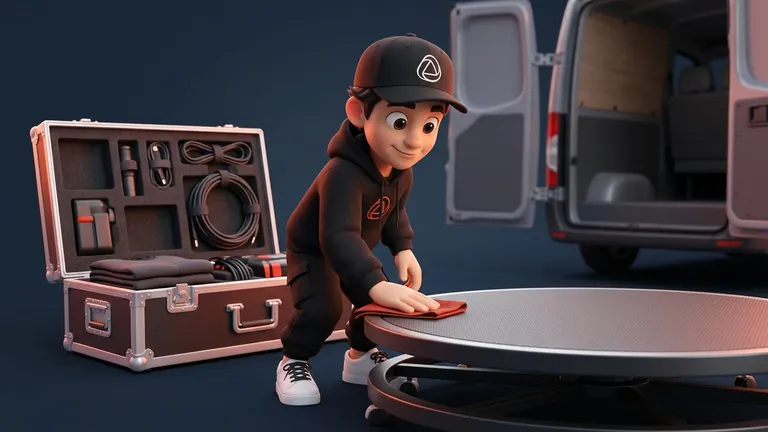
- At the end: do not pack up until you confirm everything is saved and, if needed, synced. Then clean and inspect the gear and note any incident.
If the event runs over, apply what the contract says instead of improvising, and if you charge by the hour, make clear to the client at booking how many hours the service covers and when the clock starts.
If You Are the Operator: Make It a Routine
Turn this list into a fixed note on your phone and run through it at every event: repetition is what prevents slips. With Snap360App you can record without a connection and customize the video with frames and music, and start with the Free Plan, no card and no time limit.
Frequently Asked Questions
How Early Should a 360 Photo Booth Operator Arrive?
There is no official rule. The Foto Master planning guide recommends arriving at least 1 to 2 hours before guests. Confirm access and setup time with the venue and adjust to how complex your gear is.
How Many Tests Should You Run Before Opening?
Touchpix and Foto Master recommend 3 to 5 full test sessions on the day. They should cover image, light, frames, sound and the way videos are shared.
What Should the Operator Bring to the Event?
Charged devices, the original cable plus a spare, a power bank or extension strip, a mobile hotspot or travel router, and a second device set up if possible. Add your platform, lights and setup tools.
Does a 360 Photo Booth Work Without Internet?
Recording can work offline if the app saves videos on the device. In Snap360, cloud upload and QR codes do require internet, and pending videos sync later.
What Do I Do If the Venue Wi-Fi Fails?
Switch to your mobile hotspot or travel router, and if there is no network at all, keep recording and sync later. Touchpix advises telling the client that digital delivery depends on the network and may be delayed.
What Does the Operator Do During the Event?
Be available but unobtrusive: watch battery, storage, platform stability and that videos are saved, and help guests when they need it.
What Gets Packed First at the End?
Before dismantling, confirm all videos are saved and synced. Then pack the platform, clean and inspect the gear for the next event.
Is There a Standard Setup Time in the Industry?
We found no comparable standard. Public guides give a reference for arrival and checks, but real time depends on your gear and the venue, so measure it at your first events.