What Is Snap360 and How Does It Work?
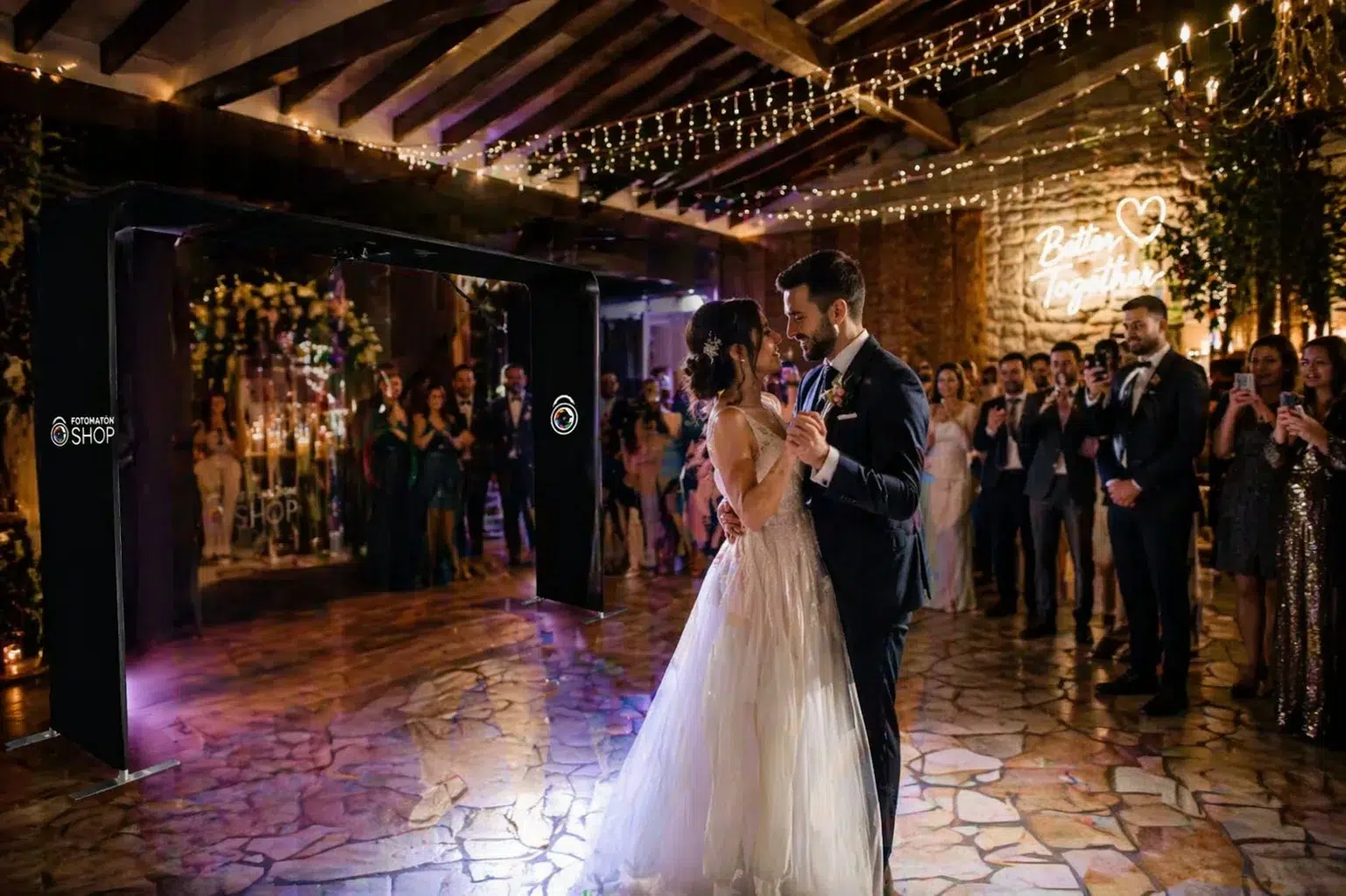
Snap360 is a photo booth app built for events and immersive experiences. It lets you capture 360 videos with 360 photo booths, turning any occasion, from weddings to corporate events or themed parties, into something interactive.
That means you can share your recordings instantly or once the event is over, so you get the flexibility to keep guests engaged in real time or give them access later.
Steps to Share Videos in Snap360
From your phone you can share your videos one by one or all at once. Here is how to do it both ways.
How to Share Videos During the Event with Snap360
One of the standout features of this photo booth app is being able to share videos seconds after recording them. Follow these steps:
- Create an event: before you start, make sure you have set up an event in the Snap360.
- Set up the video: adjust the recording settings you need, such as speed, effects and format.
- Start recording: begin recording your 360 video and make sure you capture every important moment of the event.
- Let the video process: once you stop recording, wait a few seconds for the video to process automatically.
- Share the video: you have three ways to share:
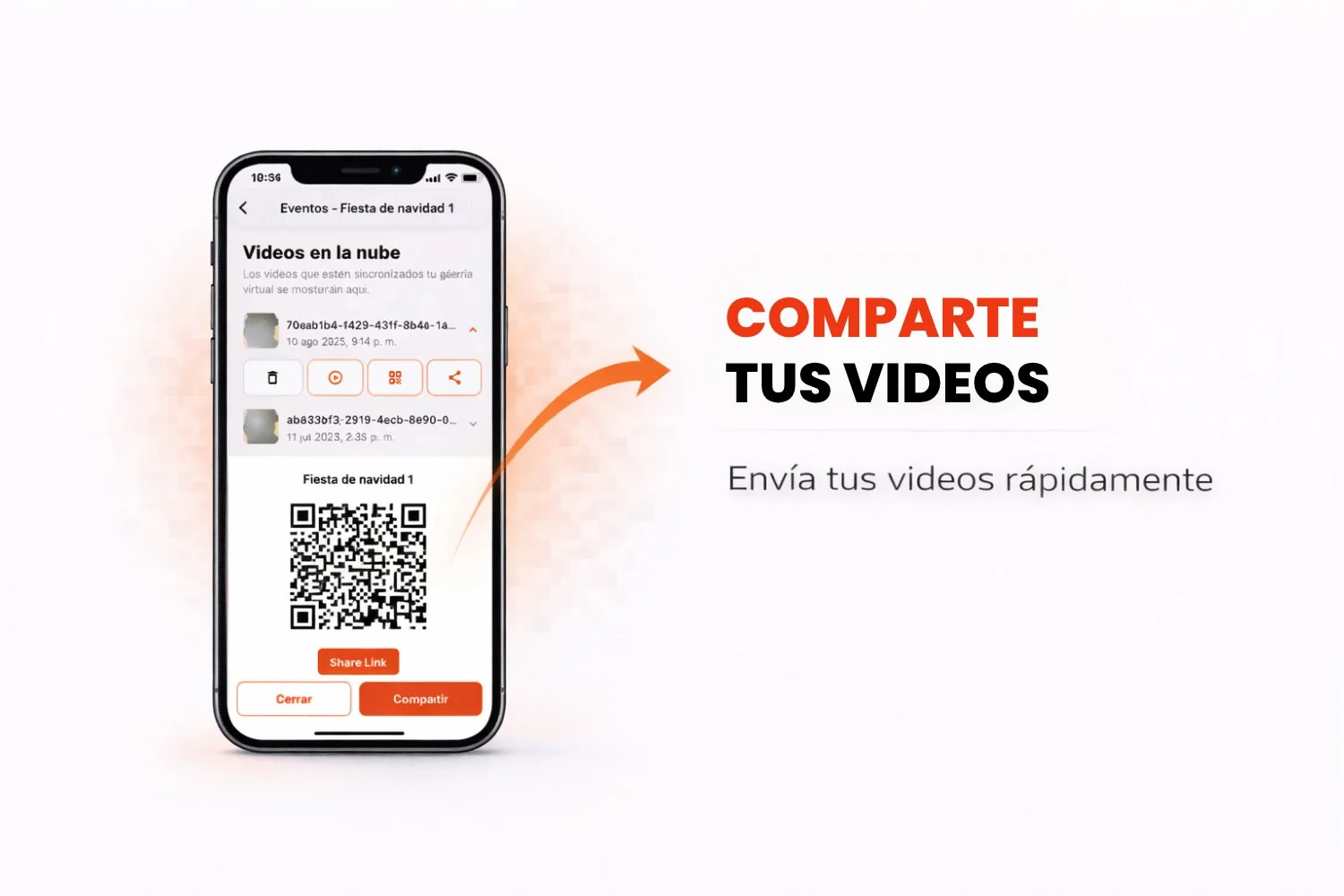
- By QR code: generate a code your guests can scan to open the video.
- Download the video: save it to your device to share it manually.
- Link by WhatsApp or email: send a direct link to the recipients.
- Share it on social media: send or post it through TikTok, Instagram or X.

This option is perfect for interactive events, weddings and parties, where guests want to relive those special moments right away and it helps them connect with the event in real time.
How to Share Videos After the Event with Snap360
Snap360 also lets you share the recorded videos once the event has ended. That includes sharing individual videos or the whole gallery at once. Follow these steps:
- Open the event: go into the app and select the event whose content you want to share.
- Open the virtual gallery: tap "Virtual gallery" to see every video from the event.
Note: if you do not see all the videos, check the Snap360 sync guide to make sure the content is complete.
- Choose how to share it:
- Individual videos: select a video, open it and copy the link. You can also send it straight over WhatsApp or download it to use another channel.
- Full gallery: if you prefer to share every video at once:
- Open the event.
- Tap the share icon.
- Share it with a QR code or a link that opens the full gallery.

That is how simple sharing videos from Snap360 is. In real time during an event or after it, this 360 photo booth app gives you fast, intuitive tools to get your 360 videos in front of your audience. Try these features and wow everyone with your immersive videos.
Questions or need a hand? We are here to help you get the most out of Snap360.