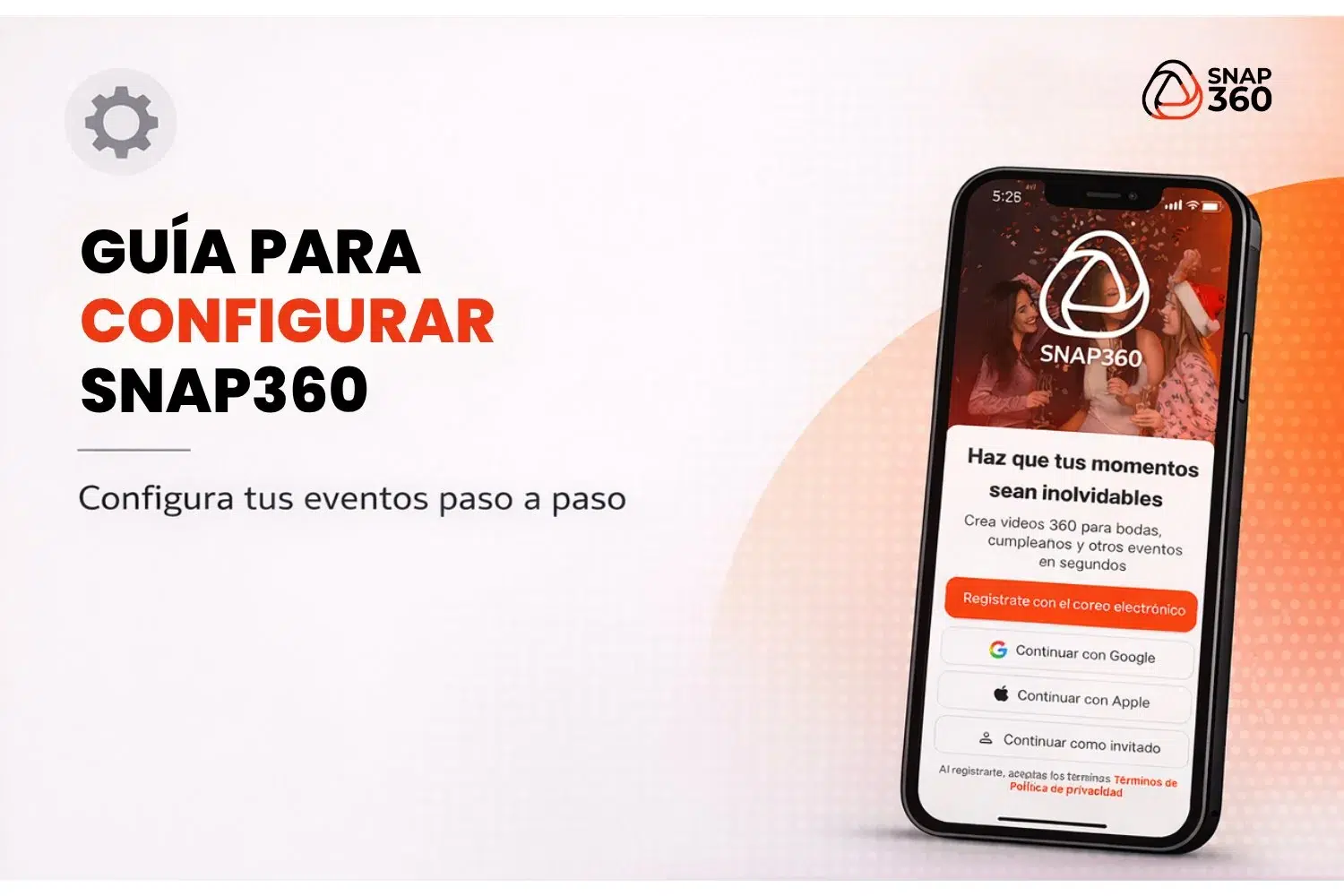
Ready to start capturing one-of-a-kind moments with the best 360 video app? Snap360 is the go-to tool for events, with customizable options and smart features that let you record 360 photo booth videos like a pro. Follow this step-by-step guide to set up your account, customize your events and share what you create.
Step 1: Create an Account 📧
- Download Snap360
Find the 360 photo booth app on the App Store or Google Play and install it on your device. - Sign Up
Use your email address to sign up. Once that is done you can log in and start trying the app. If you want a hand with it, read our article "How to Access the Free Trial" - Set the Language
Snap360 is a multilingual tool built for Snappers anywhere in the world. Set your profile language to whatever you are most comfortable with.
Step 2: Event Setup 🎉
Once the initial setup of your 360 photo booth app is done, it is time to get familiar with it.
- Create an Event
On the home screen, tap the create event icon (in the center at the bottom). - Add the Event Details
Enter a name and a short description for the event so your recordings stay organized.
Step 3: Preferences ⚙️
Video Specs
Set the details that will make your video stand out:
- Format: Choose vertical or square, whichever suits you.
- Recording Time: Set the right length to catch the best moments, up to 10 seconds.
- Customizable Elements:
- Visual effects: Add movement to your recording, a boomerang for example
- Overlays: Upload your own design or browse the Snap360 gallery
- Images and Music: Add trending songs and images that match the theme of the event.
Getting Ready to Record
With everything set, double-check the final settings so the video is ready to record. If you still have questions about the setup, take a look at our article on how to record a video with Snap360
Step 4: Download or Share the Video
- After Recording:
- Download the Video: Save the file straight to your device to use however you like, and you can also keep it in the virtual gallery inside the app.
- Share: Send the video by unique link, QR code, social media, AirDrop, email or Bluetooth so guests can get to it easily.
- Download the Video: Save the file straight to your device to use however you like, and you can also keep it in the virtual gallery inside the app.
With this guide you are set to make the most of everything Snap360 offers, the best 360 photo booth app. From the initial setup to customizing and sharing what you create, Snap360 turns events into memories that last.
So what are you waiting for? Download Snap360 today and take your events to the next level.