Recording 360 videos is one of the most exciting ways to capture and share the moments that make an event. With Snap360, the app for 360 photo booths, you can customize your recordings and share them in seconds, giving your guests an experience they have not had before. Here is how to do it, step by step.
1. How to Start a Video Recording in Snap360
Create Your Event
Before you start recording, set up your event so your projects stay organized:
- Give it a name and a description: it makes the event easy to find later.
- Customize the settings: make it easy to recognize and make it match the theme of your event.
Open the Recording Screen
Once your event is set up, go through the customization options:
- Custom music: add tracks that fit the mood of your event.
- Custom formats and overlays: use the ready made overlays or your own to lift the experience.
- Intro and outro images: add and customize images to suit the kind of event you are running.
- Speed and orientation: set them to whatever your recording needs.
Position the Device on the Photo Booth
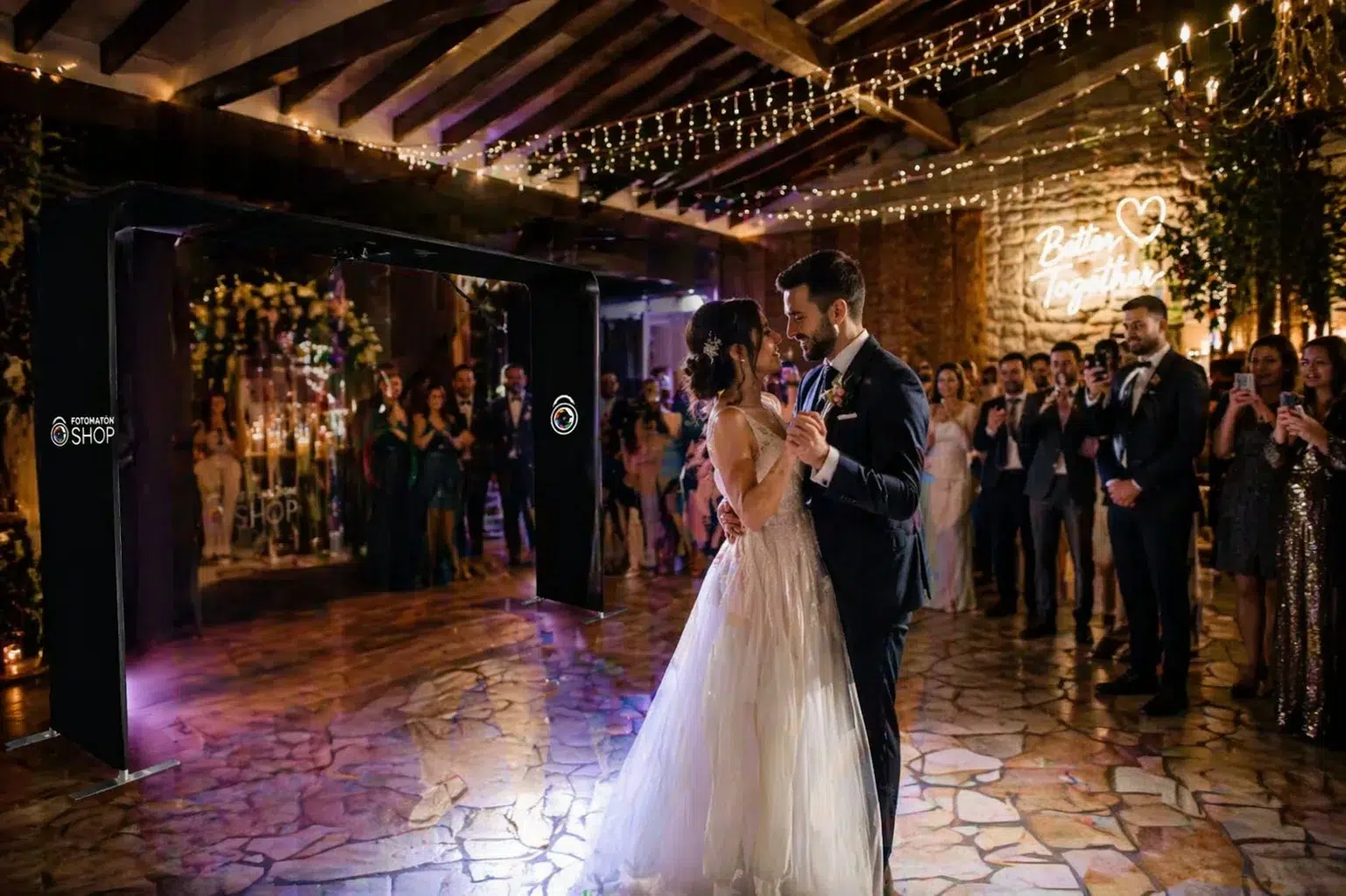
Place your phone in the center of the 360 photo booth and make sure your guests are ready to start recording.
Start Automatic Recording
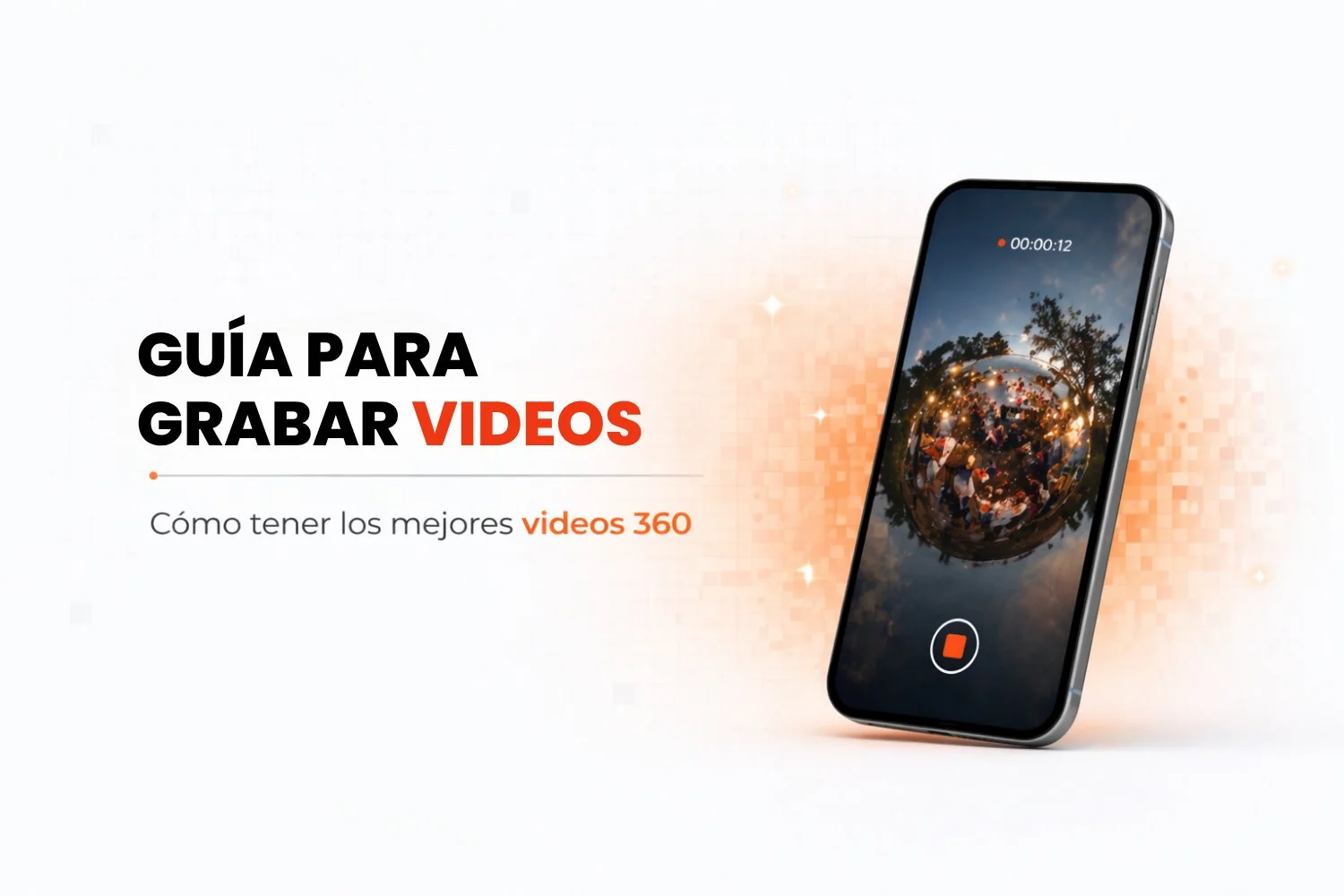
Recording starts on its own as soon as the booth begins to spin. This photo booth app detects the motion and starts recording without anyone having to touch anything, which keeps the whole thing simple.
- Tip: make sure the music and the visual effects match the theme of the event, so every video feels unique and memorable.
2. Tips for Getting the Best Results
Set Up Your Customizations
Customize every video with elements that connect to the theme of the event:
- Use viral, popular tracks to make the videos more shareable.
- Try overlays or images that reinforce the immersive feel and the look of the event.
Explore Everything Snap360 Can Do
This photo booth app does more than record 360 videos, it also gives you advanced tools such as:
- Ready made overlays to save time and find inspiration.
- Speed and format settings to match what the event needs.
- Recording tip: dial in the lighting and the angle to make sure the result looks professional.
3. Ways to Share Your Videos with Snap360
This photo booth app makes getting your videos out there easy, with several practical options:
Share on Social Media
Post straight to Instagram, TikTok, Facebook, WhatsApp or send by email. That way guests can relive the event whenever they want.
A Unique Link for Guests
Create a unique link guests can use to watch and download the videos on any device.
Share with a QR Code
Generate a QR code so guests scan it and get their video in seconds, no extra links needed.
4. Snap360 Features That Take Your Videos Further
With Snap360 you also get advanced features on the Diamond Pro plan that make the whole experience better:
- Multi device: run the 360 photo booth app on several devices at once, with no interruptions. Perfect for teams, or if you want to manage several events from different devices.
- Share from iPhone or Android to a Smart TV: cast your videos straight to any Smart TV, so your guests watch the experience unfold in real time.
- Cloud storage: save all your videos without worrying about space.
- 24/7 technical support: 24/7 support whenever you need it. Our team is available around the clock to sort out any issue and keep your experience running perfectly.
With Snap360, recording and sharing your 360 videos is fast and simple. Whether it is a personal event (birthday, wedding or christening), a corporate one or something special, you capture every angle and share it with your guests on the spot.