Snap360 is the photo booth app that takes the customization of your 360 videos to the next level, with tools that add music, images and one of a kind overlays. In this tutorial you will learn step by step how to use these features to transform your videos and give them a special touch that turns an event into something extraordinary.
Why Customize Your Videos with Snap360
Customization in the 360 photo booth app does not just make your videos unique, it also improves the experience for your guests and reflects the theme of each event. On top of that, the app comes with libraries of ready made overlays, perfect for saving time and finding inspiration. Ideal for anyone after quick, creative ideas.
1. Download the Files to Your Device
Make sure your files are in these formats so customization runs smoothly.
| Element | Supported Format | Details |
|---|---|---|
| Music | .mp3 (20mb max) | We recommend uploading a track of at least 20 to 30 seconds. |
| Start and end images | .png | Same orientation as the video: Vertical 1080 wide x 1920 high pixels Square 1080 wide x 1080 high pixels |
| Overlays | .png | Dimensions in the same orientation as the video: Vertical 1080 wide x 1920 high pixels Square 1080 wide x 1080 high pixels Make sure the center of the overlay is transparent |
2. Add Music, Images or Overlays in Snap360
- Open Snap360 on your device and go to the events section
- Create your event or open the event directly (if you already created it)
- Check and set the specifications of your video
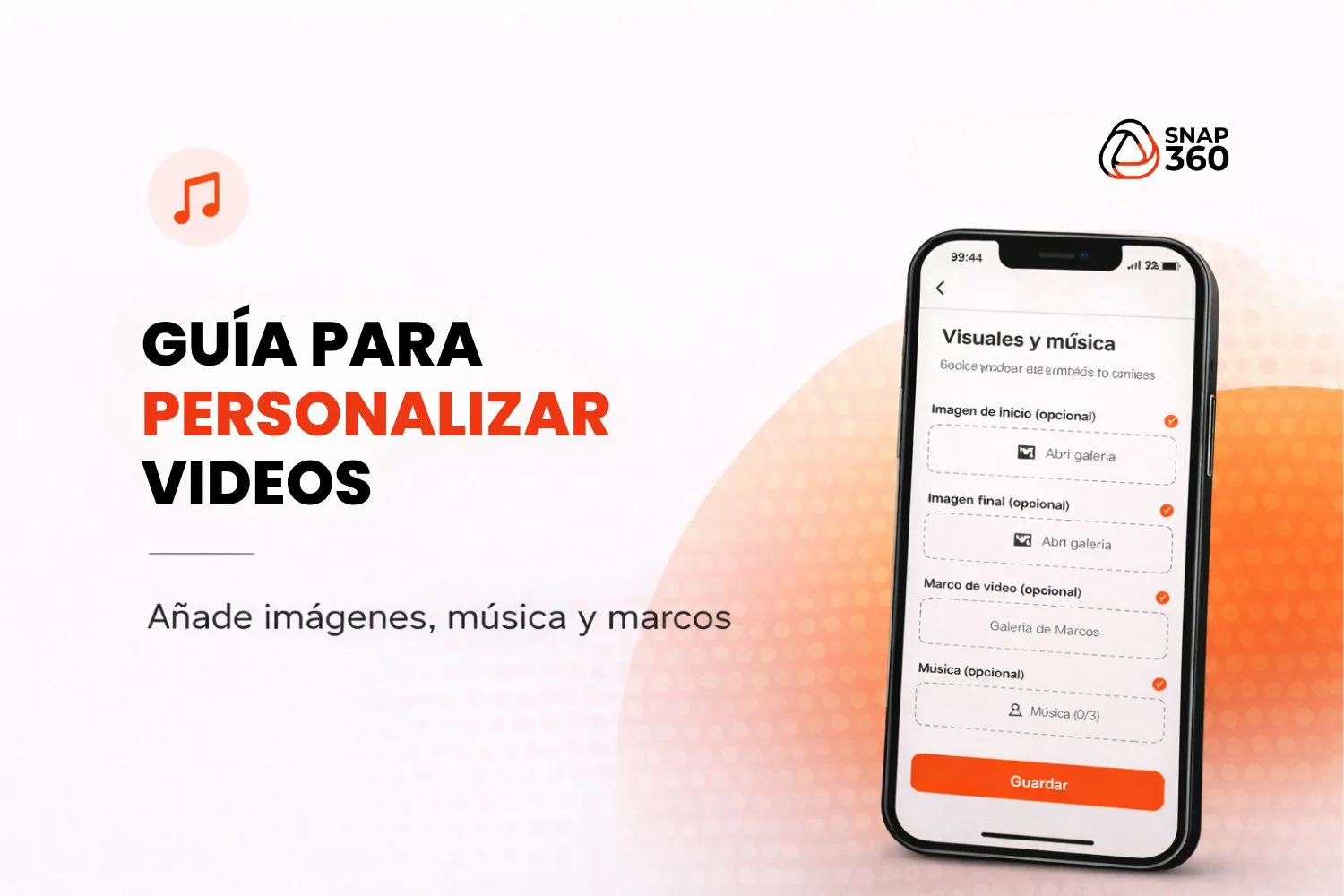
- Add the content you want (music, images or overlays)
Done! Your Customization Settings Are Ready.
Once you add the elements that will customize your video, you can start recording.
Here Are a Few Ideas to Inspire You for Your Events
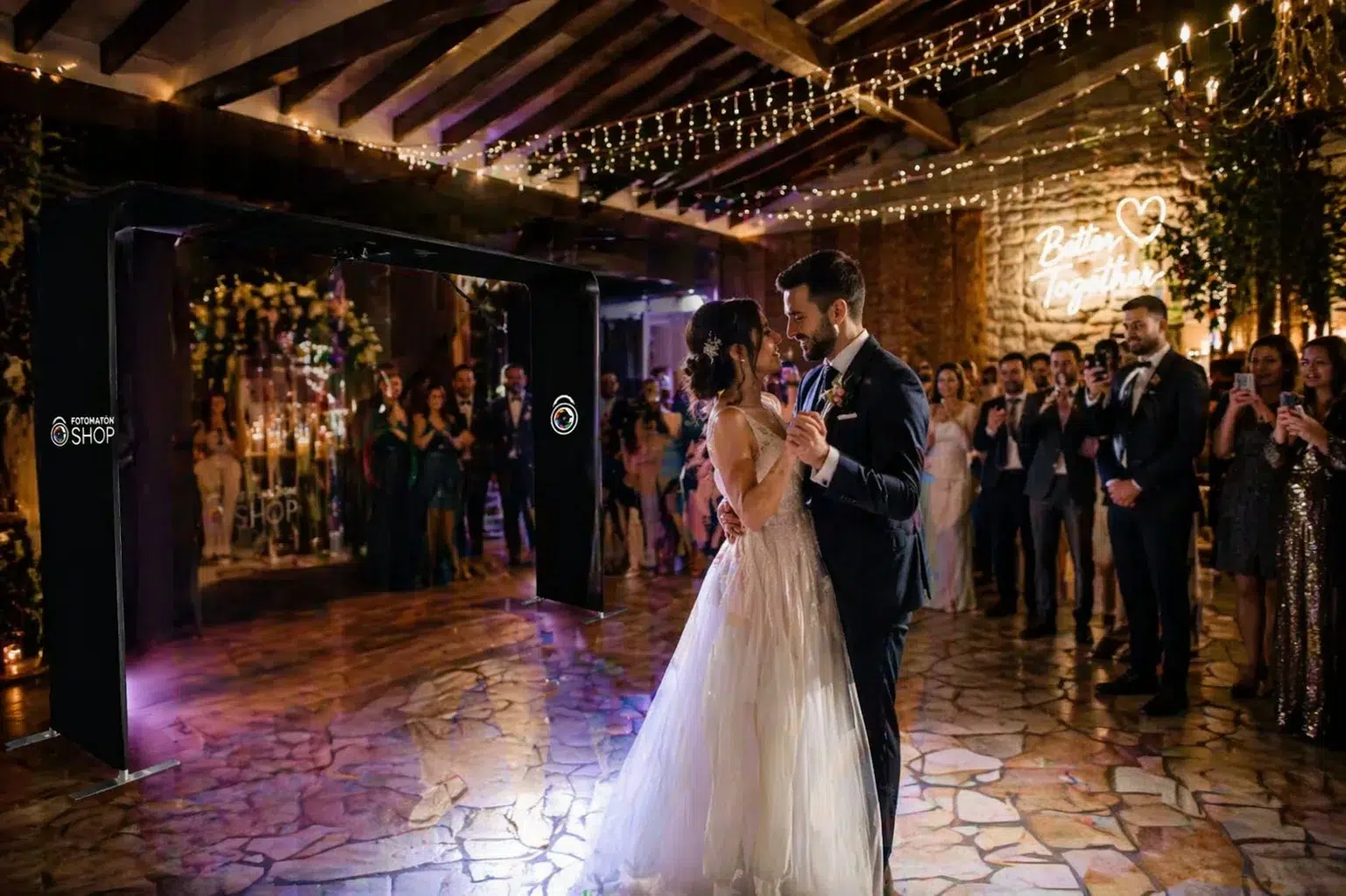
- Themed Wedding Event
- 360 video with romantic music in .mp3 format.
- Custom overlays in .png with floral decorations.
- Birthday Party
- Bright, colorful images in .png for backgrounds.
- Upbeat music synced to the speed of the video.
- Corporate Events
- Logos in .png built into the overlays.
- Instrumental music in .mp3 for a professional feel.
Try these ideas at your next events and add that special touch that captures the essence of the moment.
Customization in the 360 photo booth app has no limits. With tools to add music, images and overlays, whether ready made or your own, you can turn any video into an unforgettable keepsake.
Ready to take your 360 videos to the next level?
Download Snap360 today and explore every creative possibility it offers.