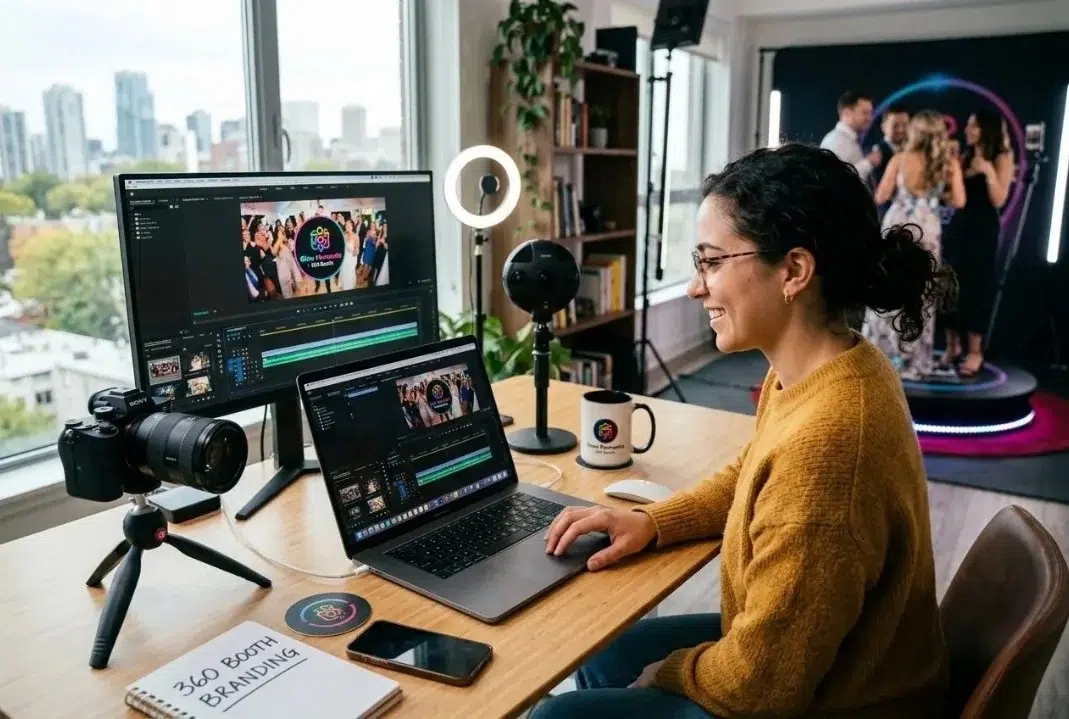
In the crowded world of corporate events and brand activations, the difference between being "one more vendor" and becoming a strategic partner comes down to a single idea: branding. Capturing a fun slow motion video is no longer enough. Today, every second of content you generate has to shout the identity of the brand paying for the event.
If you run a photo booth business or lead a marketing agency, you already know the client is not only buying entertainment. They are buying visibility, reach and return on investment (ROI). To deliver that, you need a tool that turns raw clips into professional marketing pieces instantly.
In this guide we will show you how to master 360 photo booth software with custom branding and logo overlays using Snap360, the leading photo booth app for taking your clients' visual identity to the next level.
Why Branding Matters at Events
We live in the attention economy. At a corporate event, a brand invests thousands of dollars to make sure guests remember its message. When a guest steps onto a 360 photo booth, that video has one almost guaranteed destination: social media (Instagram Stories, TikTok or Reels).
The idea of video marketing has evolved from simple ads into interactive experiences where the user is the star, and 360 photo booths take full advantage of that.
For the operator, offering a 360 video through a 360 photo booth app that lets you customize your branding and logo is not just a technical detail. It is a value added service that lets you:
- Charge higher prices: you are not selling "videos", you are selling "advertising reach".
- Keep corporate clients coming back: agencies love reports where the logo is the main character.
- Stand out: while others hand over plain videos, you hand over a cinematic brand experience.
The Psychology of Branding: Beyond "Slapping on a Logo"
When we talk about 360 photo booth software, we are not talking about stamping an image in a corner. We are talking about creating an atmosphere.
The power of color and consistency: every brand has a color palette that triggers emotions. An energy drink event will lean on vibrant neons, while a charity gala will go for gold, black and white. Snap360 lets you adjust not only the logo but also the video color filters so they match your client's identity.
Emotional branding: when a guest watches their video and notices that the overlay is elegant and professional, they link that quality to the host brand. That lifts brand equity and makes the content "feed worthy", which means it is far more likely to stay posted for a long time.
What Is an Overlay and How Does It Work in a 360 Photo Booth?
If you are just starting out, the word "overlay" can sound technical, but it is the heart of visual customization. It is simply a graphic layer placed on top of the recorded video.
Types of Overlays:
- Static (PNG): perfect for logos and fixed frames. They need transparency (alpha channel) so they do not cover the guests.
- Dynamic or animated (MP4/MOV): they add movement, like sparkles, digital smoke or spinning logos. Snap360 processes these layers in real time without slowing down delivery.
- AI overlays: if you do not have a designer, our AI feature can help you create templates from a concept (for example "retro party" or "minimalist wedding").
Snap360 makes all of this easy without asking you to be a video editing expert. The software takes the raw camera recording, processes the speed effects (slow motion) and, in milliseconds, lays the overlay on top, delivering a final product that is ready to share.
Customization in Snap360: Logo, Colors, Animated Overlays and Music
It is designed so setup is fast. You can check our plans and pricing to see which level of customization fits your volume of business best.
High fidelity logos and overlays: you can upload your client's logo directly. Ideally use PNG files with a transparent background so the logo floats over the image without blocking the action.
Intros and outros (the first and last impression): add an intro to get the viewer ready for what is coming. The outro is the perfect spot for a call to action or the company website.
Music and audio sync: branding is not only visual, it is also audio. Snap360 lets you upload custom audio tracks. You can pick songs that match the brand's energy: something upbeat for a launch party or something elegant for a gala. The app lets you sync the music with the video speed changes.
AI frames: one of the features you can get the most out of in our app is AI generated overlays. If your client has a very specific theme, say "Cyberpunk" or "Enchanted Forest", and you do not have a designer at hand or the time to do it, AI can create a unique themed overlay in seconds. That saves you hours of digging through stock libraries and gives you an instant wow factor.
Technical Specs for Perfect Branding
For your work to look professional, you need to follow a few design rules. Here is a quick format guide for Snap360:
| Element | Recommended Format |
| Logo | PNG (transparent) |
| Static overlay | PNG (transparent) |
| Music | MP3 |
| Intro/Outro | PNG (transparent) |
Never use JPG images for logos: they show up with a white box around them that ruins the look of the video.
Setting Up a Booth for a Corporate Event
Imagine you get booked for the launch of a new electric car. The client wants something tech forward, clean and very green. Here is how you would get your 360 photo booth ready in minutes:
Event setup: go into your Snap360 dashboard and create a new event called "Car X Launch". If it already exists, you can simply edit the event.
Upload your assets: head to the "visuals and music" section to add your opening image and your closing image.
Pick the music: in that same section you can upload your music file in MP3 format.
Upload your overlay or use AI: you can upload a ready made overlay or use the AI overlay generator and ask for a "green electric circuits" design. In 10 seconds you have a professional overlay ready to go.
Sync: open the app on your iOS or Android device, select the event and that is it. Every video recorded that night comes out with that setup automatically.
When the first executive steps onto the booth and sees their video on their phone with the logo perfectly placed and high quality music, your job is already done.
Design Tips for Overlays That Work
Being able to add overlays does not mean you should crowd the video. Here are a few professional design tips:
- Less is more: the guest is the star. Do not cover the center of the video with giant graphics. Keep logos in the top or bottom corners.
- Watch your colors: if the event is dark (a nightclub, for example), use light logos or ones with bright edges. If it is daytime or outdoors, make sure the logo has enough contrast.
- Safe zone: remember that social platforms like Instagram place interface elements (the username, the ‘like’ buttons) along the bottom and the right. Keep critical information out of those areas.
- File quality: always use the highest resolution you can. If your video is 4K, do not use a low quality pixelated logo: it will wreck the brand perception.
Your Brand, Your Success
Choosing 360 photo booth software with custom branding and logo overlays is the smartest investment you can make to scale your event business. Snap360 does not just simplify the technical side, it hands you the creative tools to impress even the most demanding corporate clients.
At the end of the day, your client's success is your success. When you deliver a video that looks like a top tier ad agency edited it, in a matter of seconds, you stop being a booth operator and become an elite content creator.
Ready to stop handing over generic videos and start delivering unforgettable brand experiences?
Make the professional leap today.
Try Snap360 Free