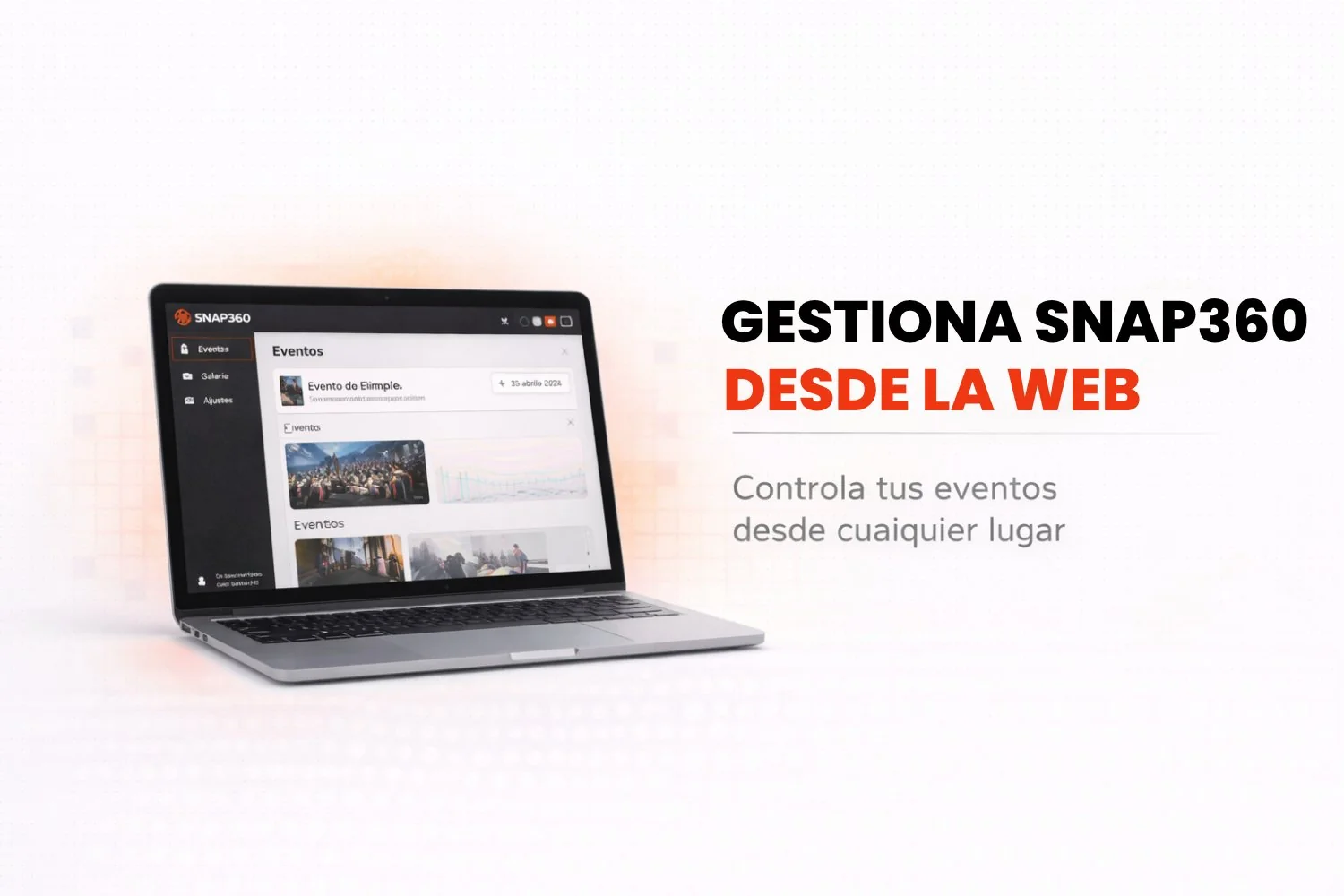
If you are a Snapper and you use Snap360, you already know our photo booth app is built to make your event days easier. But did you know you can also manage your events, your storage and your subscription from the web? With Snap360Web, you can now run your account more efficiently without opening the mobile app at all.
In this article we show you how to get the most out of the platform so managing your events and your subscription gets easier.
🔑 Key Features
1. Full Control of Your Storage
From the Snap360Web portal you can easily keep an eye on how much of your storage is in use and how much you have left. That lets you manage the space efficiently, especially when you have several events recorded in your photo booth software. Do not get caught without space: check your storage whenever you need to.
2. Manage All Your Events
You can see every event you have created, the new ones and the past ones. You can create new events straight from the web, but remember that recording videos only happens through the 360 photo booth app on your mobile device. You also get access to the recorded videos and can download them easily to share or archive.
3. Your Subscription Status
Full control over your subscription. From the web you can see which plan you are on (Pro or Diamond Pro), the purchase date, the subscription status (active or not), how long the period runs and the expiration date. That helps you stay on top of your payments and keep your access to every feature always on.
4. Tutorials and Support
If you have questions about how to use the photo booth app or you want to know more about managing your events, there is a tutorials section where you will find the answers. You will never be stuck wondering how to get the most out of the app again.
📲 Works on iPhone and Android: Total Flexibility
The best part is that you are not tied to your mobile device. If you use Snap360, you can manage your account comfortably from any web browser, on your desktop computer, your laptop or your tablet. And our photo booth app is fully compatible with iPhone and Android, which gives you the flexibility to work from whichever device you prefer.
🧑💻 How to Get the Most Out of the Web
If you organize events or you are a professional using our photo booth app for iPhone and Android , it is an essential tool. It gives you full control over your events and your subscription without having to be on your phone all the time. And as solid photo booth software, it hands you everything you need to manage your account and keep the workflow moving.
Frequently Asked Questions
Do I Need a New Account?
No. Sign in with the same username and password you use for the app on your device.
Does It Cost Extra?
Not at all. You get into the web at no extra cost.
Can I Set Up My Event from the Web?
Absolutely, you can create and edit events from the web and they sync with our app.
Can I Record from a Computer?
For now, your 360 videos can only be recorded from your iOS or Android device.