
Skip to content
360 Video Booth Software for iOS

360 Photo Booth App for iPhone

Run 360 photo booth events from the iPhone you already carry. Snap360 records, brands and delivers the slow motion clips your clients expect, and keeps working offline while the party is on.

Start on the permanent Free Plan: no payment card and no time limit. Upgrade when you have paid events on the calendar. Also available for Android.

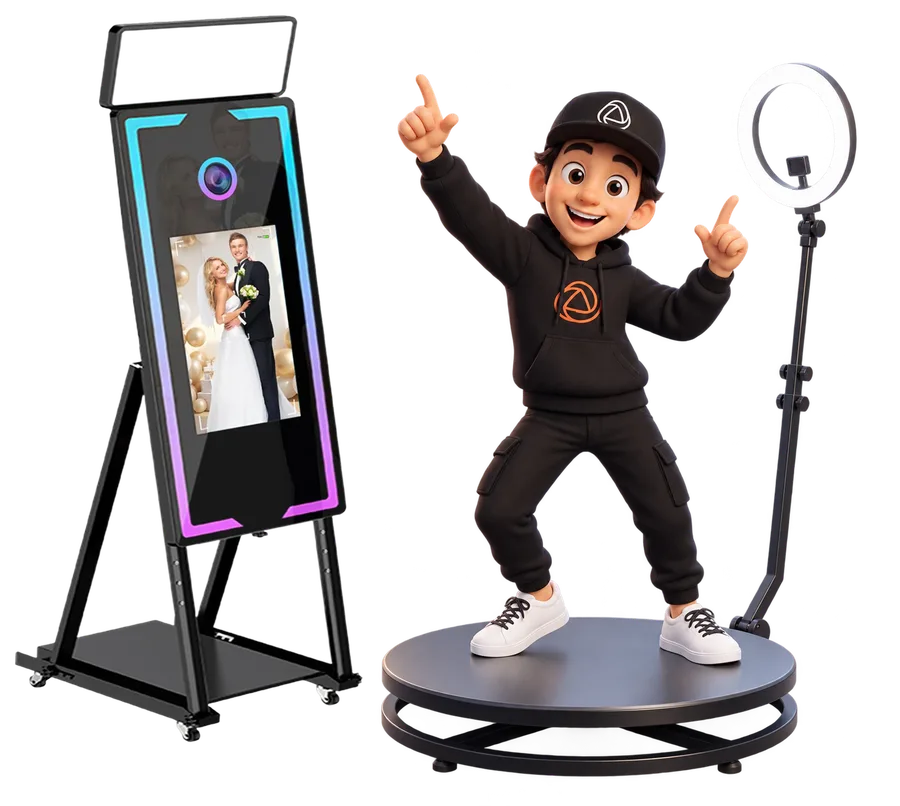
Snappy presenting the Snap360 360 photo booth app on iPhone

iPhone Photo Booth App: What Snap360 Does

Snap360 is the 360 photo booth app that turns your iPhone into the brain of the booth: capture, effects, branding and delivery in one place.

The software controls the capture, not the motor, so it sits on top of the 360 platform you already own. Mount the iPhone on the arm, open the event you prepared and let guests step on. Recording works offline during the event; uploads and sharing resume as soon as the venue gives you a signal.

Every plan includes unlimited events. Build one template per client, reuse it on the next booking and keep the same look across your whole season.

How to Set Up Snap360 on iPhone

Three steps from the App Store to the first guest video.

1. Download from the App Store

Install Snap360 from the App Store on an iPhone running iOS 15.6 or later and create your account. Grant camera, microphone and photo library permissions when iOS asks; the app needs them to record and to save the clips locally.

Get Snap360 on the App Store

2. Mount or Connect Your Camera

Most Snappers record straight from the iPhone camera mounted on the platform arm. If you prefer a GoPro, pair a supported model inside the app. Using a wired accessory? Check whether your iPhone generation uses a Lightning or a USB-C port and pick the matching Apple adapter.

3. Start Shooting

Create the event, pick the overlay and the music, and run a test spin. Review the clip on the iPhone screen, adjust speed and effects, then hand the booth to your team. From there, every recording follows the same flow until the last guest.

Camera and Accessory Compatibility on iPhone

The iPhone camera is the default. GoPro and remote controllers are the supported extras.

iPhone Camera

The built in camera is the setup most Snappers use: nothing to pair, nothing to charge separately, and the slow motion processing runs on the phone itself.

GoPro 7, 8 and 9

Snap360 supports GoPro HERO7, HERO8 and HERO9 as an external camera. Other GoPro generations are not on the supported list, so test before you promise it to a client.

Remote Recording

Trigger recordings with iPhone compatible controllers so your operator can start the spin without touching the mounted phone.

Lightning and USB-C Adapters

iPhone 14 and earlier use Lightning; iPhone 15 and later use USB-C. If you connect wired accessories such as power, audio or storage, use the official Apple adapter for your generation. The app itself does not need any adapter to record.

iPad as an Alternative

Prefer a bigger screen for guests to preview their clip? Snap360 runs on iPad with the same account and the same plans. See the iPad photo booth app page for that setup.

System Requirements for iPhone

Snap360 requires iOS 15.6 or later. For the smoothest recording and processing, check that you run the latest iOS version your iPhone supports and keep free storage for the clips of the day. Cloud uploads need a Wi-Fi or mobile data connection; recording does not.

We do not publish a list of recommended iPhone models, because performance depends on the iOS version and on how many effects you stack. Install the app on the Free Plan, run a test event and judge the result on your own device.

AI Frames, Overlays and Custom Branding

Your client's logo, colors and campaign on every clip.

Add overlays with the event name, the couple's initials or a sponsor logo, and keep a template per client. On DIAMOND PRO you can also use animated GIF overlays for brand activations that need movement on screen.

AI generated frames and overlays are paid with SnapCoins: you get 3 on the Free Plan and 10 when you subscribe. Generate the design before the event, check it on the iPhone screen and save it to the template. See every effect on the features page.

Custom Music, Intro and Outro

Choose the track that plays behind the slow motion, or let AI music create one for the event; AI music is also paid with SnapCoins. Add an intro and an outro so each clip opens with the client's brand and closes with a call to action, a hashtag or a QR code. The result is a finished video, ready to share from the iPhone without extra editing.

Cloud Gallery: Every Event from Anywhere

Deliver on the spot and review later from your desk.

PRO: 4 GB of Cloud

Clips upload to the event gallery as soon as there is a connection. Guests receive their video by QR code, link, WhatsApp or SMS, or straight from the iPhone by AirDrop.

DIAMOND PRO: 15 GB of Cloud

Room for a full season of weddings and activations. Events stay accessible for 12 months on paid plans, and for 30 days on the Free Plan.

TV Sync and Multi Device

Two or Four iPhones at Once

PRO lets 2 devices work on the same account at the same time; DIAMOND PRO raises that to 4. Run the booth on one iPhone and the sharing station on another, or cover two events the same night.

TV Sync on DIAMOND PRO

Show the latest clips on a screen next to the platform so the queue sees what they are about to get. TV sync is included with DIAMOND PRO.

Snap360 Pricing for iPhone Snappers

Start free, pay when you deliver.

Free Plan

Permanent, with no payment card and no time limit. Learn the app, prepare templates and run your test events with 30 days of event access.

Start Free

PRO

360 video, 2 devices at once and 4 GB of cloud. US web pricing is $31.99 per month or $299.99 per year, tax excluded and added at checkout.

See the Video Plan

DIAMOND PRO

Photo and video, 4 devices, 15 GB of cloud, TV sync and animated GIF overlays. US web pricing is $46.99 per month or $449.99 per year, tax excluded.

See Photo and Video

Need the full picture before you choose? Read our guide to the 360 photo booth software subscription options or see full pricing.

24/7 Human Support

Events happen on Saturday nights, so support does too. Snap360 offers 24/7 human support before and during your event, from the first iPhone setup to a question at midnight about a delivery link. Contact the team whenever you need a hand.

Frequently Asked Questions

Is Snap360 Available on the App Store?

Yes. Download Snap360 from the App Store and sign in with your account. The Free Plan starts right away, with no payment card required.

What iPhone Models Work with Snap360?

Any iPhone running iOS 15.6 or later. We do not keep a list of recommended models; check that you run the latest iOS version your phone supports and test a full event on the Free Plan before your first paid booking.

Do I Need an Adapter to Connect a 360 Camera to My iPhone?

Not to record: the app works with the iPhone camera or with a supported GoPro HERO7, HERO8 or HERO9. If you add wired accessories, use the Apple adapter that matches your port, Lightning on iPhone 14 and earlier, USB-C on iPhone 15 and later.

Can I Use Snap360 on iPad Instead of iPhone?

Yes. The same account and plans work on iPad, and many Snappers prefer its larger screen for guest previews. See the iPad photo booth app page for that setup.

Does Snap360 Support AI Frames on iPhone?

Yes. AI frames, overlays and AI music are available on iPhone with the same features as on Android. They are paid with SnapCoins: 3 included on the Free Plan and 10 when you subscribe.

Start Your iPhone 360 Photo Booth Business Today

Install the app, build your first template and run a test spin on your own platform. Upgrade only when the bookings arrive.