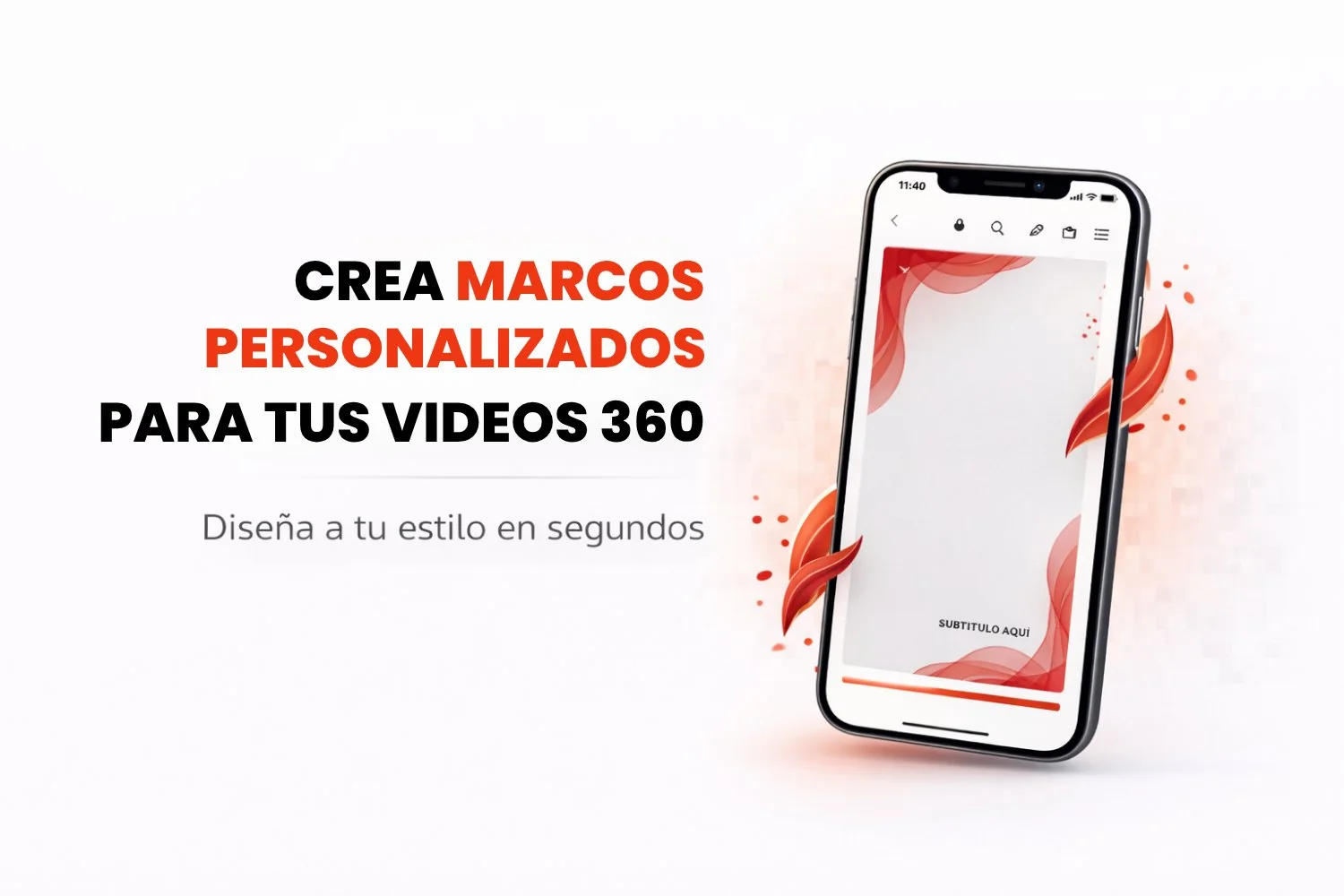
360 videos are a stunning way to capture special moments, but the real magic is in the customization. Every event has its own style, and that is why the custom overlays feature lets you design one of a kind overlays that reflect the essence of your event. For launches, weddings, birthdays or corporate events, it is time to take your 360 videos to the next level!
How Does Creating Custom Overlays with Snap360 Work?
With this tool from Snap360, the photo booth app, you can design overlays that match the theme of your event perfectly. Whether you are creating a new event or editing one you already have, you can now add images and text and adjust the zoom so everything lines up exactly right.
Steps to create your custom overlays:
- Pick or create your event: Open the 360 photo booth app and select the event you want to customize. If you have not created it yet, no problem, you can do it quickly and easily.
- Customize your video: Go to the "Visuals and Music" option, tap "Overlay Gallery" and you will see the option to "Create Overlay".
- Add images and text: Import photos from the gallery on your iOS or Android device and add text such as the event name or a special date.
- Adjust the zoom: Use the zoom control to set the size of your text.
Why Use Custom Overlays in Snap360
Customization is essential if you want your 360 videos to truly reflect the essence of your event. Here are a few reasons why this new feature will become your favorite tool:
It reflects the event identity: You no longer have to settle for stock overlays. Design something unique that fits the theme and style of your celebration.
Easy to use: The Snap360 interface is intuitive, so you can build an overlay in a few minutes with no design experience at all.
Compatibility: This feature is available on both iOS and Android, so you can customize your videos whatever device you use.
Versatility: Whether you are running a wedding, a birthday party, a corporate event or a product launch, this tool adapts to every kind of event.
Key Features of Custom Overlays
Import images and add text: Bring in photos, logos and custom text to make your videos even more memorable.
Zoom control: Adjust the size and position of the text so everything fits perfectly inside the overlay.
Overlay templates: If you prefer something fast, you can also use the ready made overlays available in Snap360.
Works across iOS and Android devices: Whatever device you have, Snap360 adapts to it.
Overlays that suit any kind of event: From weddings to conferences, this tool is perfect for creating custom overlays for every type of celebration.
Conclusion
With the custom overlays feature in Snap360, you can take your 360 videos to a whole new level. If you are an event planner, a photographer, a videographer, a content creator or a 360 photo booth operator, this tool lets you design unique overlays that reflect the essence of your event. Do not miss the chance to customize your videos and make your memories even more unforgettable!
Frequently Asked Questions
What Is Snap360?
Snap360 is a photo booth app for iOS and Android that lets you capture and share high quality 360 videos, ideal for events.
How Do I Get Access to the Snap360 Features?
You can download the app from the App Store or Google Play and start using all of its features quickly and easily.
Can I Customize the Videos I Capture?
Yes, Snap360 offers plenty of customization options, so every video comes out unique.
Can I Share the Videos on Social Media?
The app is built to make sharing easy, so you can post the videos you capture in real time.
Is Snap360 Easy to Use?
Yes, the app has an intuitive interface that anyone can pick up without complications.